Presentations have come a long way from the chunky clip arts, overused transitions, and the Comic Sans fonts.
They are no longer simple slides. They are now business pitches, a strong brand experience, or a powerful storytelling tool to shape how people see your brand or ideas.
Doing your presentations manually on your own might not cut it anymore. Which is where AI presentation makers come in.
These tools don’t just give you a template or design. Rather, they help you structure your message, visualize your data, build brand consistency, and turn ideas into compelling narratives in minutes.
Sounds great, right? But here’s the issue: not all AI presentation tools are built for the same purpose.
Some are made for branding. Others focus on storytelling. While some focus on giving innovative formats. How do you know which one to choose?
Don’t worry as we got you covered. Here are the best free AI presentation makers in 2026 and what each one does best.
Best Free AI Presentation Makers at a Glance
Don’t have time to read the whole article? Here is a quick summary:
|
Tool
|
Key Strength
|
Design Quality
|
Ease of Use
|
Pricing*
|
|
Design.com
|
Cohesive, on-brand presentations
|
5/5
|
5/5
|
Free templates available, Premium templates start at $9 / month
|
|
BrandCrowd
|
Stylish, beautiful slides
|
5/5
|
5/5
|
Free templates available, Premium templates start at $9 / month
|
| 2slides |
API-first AI deck pipeline · REST API · MCP server · Agent Skills · AI image slides · voice narration · MP4 export
|
4.6/5 |
5/5 |
Free trial credits; pay-as-you-go credit packs from $5, or Pro subscription from $12.50 / month |
|
Prezi
|
Zoomable canvas
|
4/5
|
4/5
|
Free plan available, Standard Plan starts $2 / month billed annually
|
|
STORYD
|
Narrative structure
|
3/5
|
3/5
|
Free plan available, Pro Plan starts at $24 / month
|
|
Gamma
|
Webpage style slides
|
4/5
|
4/5
|
Free plan available, with Plus Plan starting at $12 / month
|
|
Pitch
|
Team collaborations
|
4/5
|
4/5
|
Free plan limited to 100 AI credits, Plus Plan starts at $12 / month
|
|
Prezent
|
Data-heavy presentations
|
3/5
|
3.5/5
|
Free trial, Plan starts at $39 / month
|
*Pricing is for individual plans, and is the current pricing as of April 2026
Best Free AI Presentation Makers of 2026
The best presentation maker for you is the one that works the best for what you’re building.
After all, a sales agent pitching their products needs a different slide compared to a medical researcher presenting their thesis.
So instead of ranking these tools arbitrarily, it’s more helpful to look at them based on what they do best–starting with the one that performs strongly across almost every use case.
1. Design.com → Best Overall Presentation Maker for Branded, Cohesive Presentations
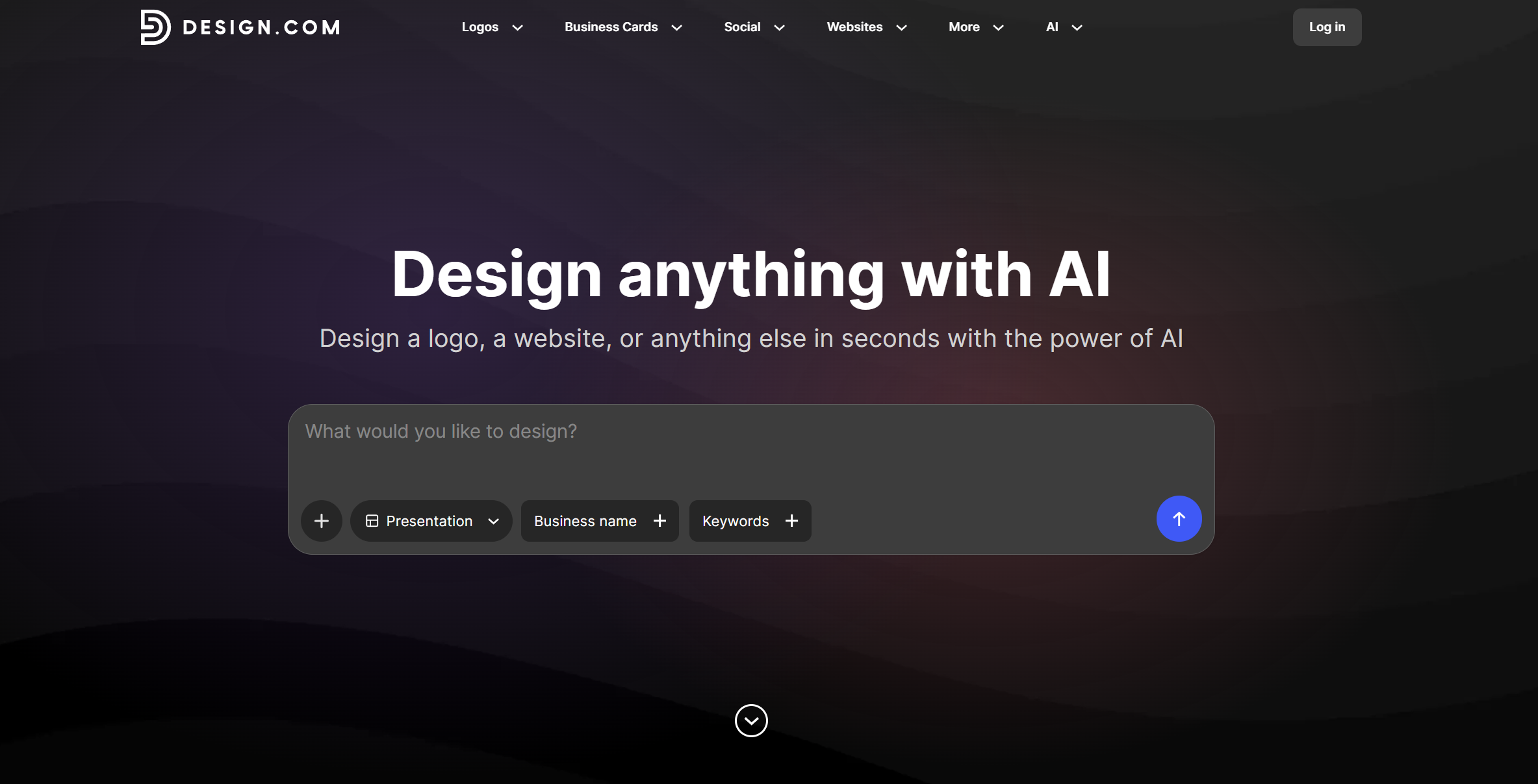
Design.com leads the pack in 2026 by focusing on what truly matters in modern presentations: quality, speed, and branding cohesion.
Any AI tool can give you slides. But most of them can feel clunky, mismatched, or irrelevant. If they do manage to give you something relevant, it looks generic or soulless.
Design.com’s AI presentation maker solves all of those problems.
How? Design.com simply needs your business name and a few keywords. Their powerful AI will then study your input, plus cross-check it with industry standards, to give you relevant slides that are intentional and on-brand right from the start. Almost as if it were custom-built by a designer just for you.
This is especially important today, when presentations aren’t just internal tools. You’ll want it to look high-quality and aligned with your brand, to properly represent you.
To give you an idea of their quality, here’s how their data-driven slide looks like:
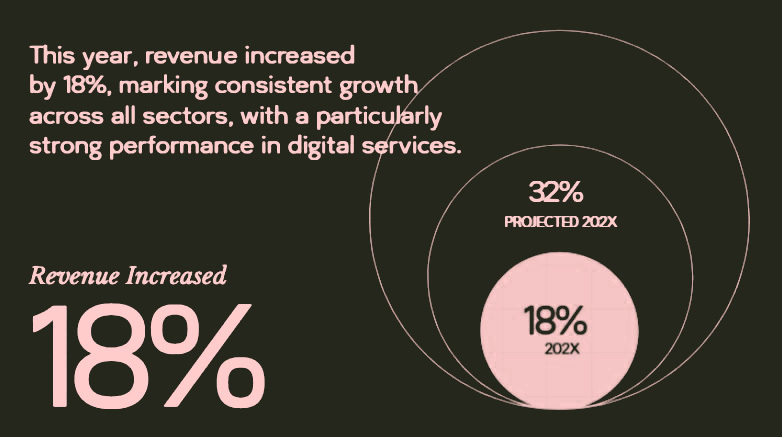
Then here’s a modern slide that fits a photographer’s portfolio. Just look at the subtle color palette and the clean layout!

While here is a bubbly, colorful deck that best fits a creative agency:

As you can see, Design.com is unmatched at giving slides that fit your brand identity perfectly.
Why it’s #1
- Extremely fast generation, you just need to wait for seconds
- Produces clean and professional slides with minimal editing needed
- Built around brand consistency, not just simple slide generation
- Automatically aligns colors, fonts, typography, layout, and other visual elements to your logo and branding
- So intuitive and beginner-friendly that even non-designers can create beautiful results
- Great library of slides to choose from
- Huge library of exclusive visual elements, fonts, icons, and shapes to further jazz up your slides
- Everything is cleared for commercial use
- Design.com also have tools for logo design, websites, business cards, posters, flyers, and more
Best use case
- Marketers who want client-ready presentations in a snap
- Small businesses who want branded pitch decks without having to design from scratch
- Busy founders who want high-quality slides without spending tons of time editing
Verdict: If your goal is to create professional, on-brand presentations fast, Design.com is the strongest all-around choice in 2026.
2. BrandCrowd → Best for Beautiful, Stylish Slides
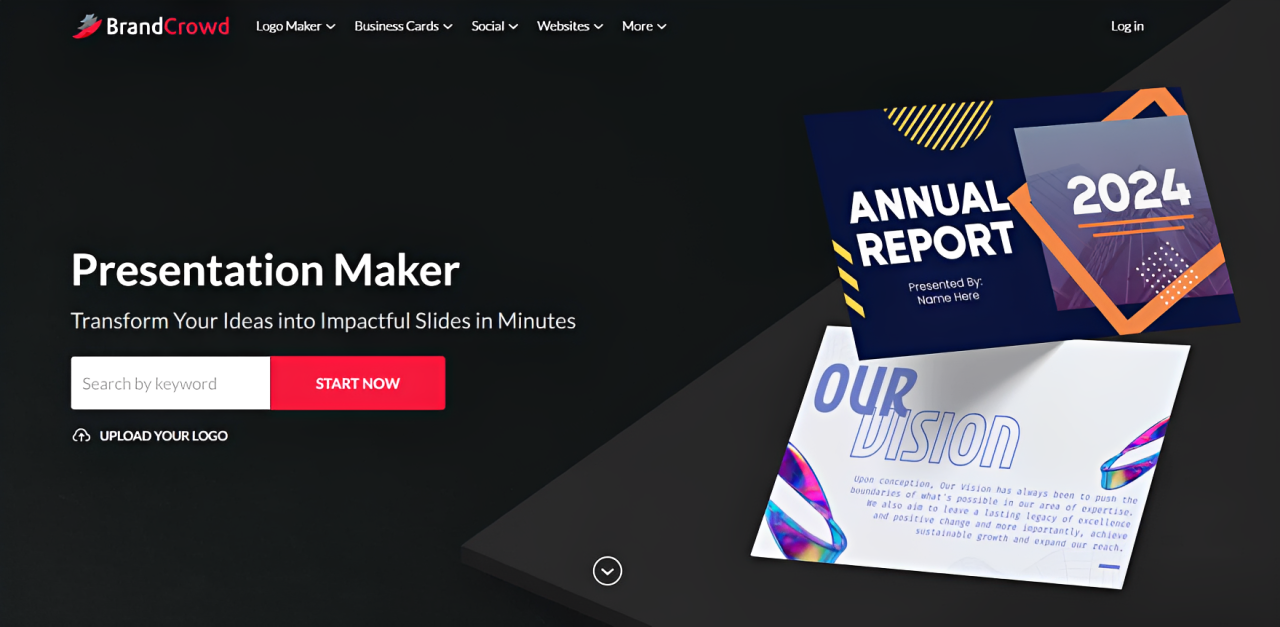
Where Design.com focuses on cohesive branding, BrandCrowd’s presentation builder is all about that visual impact.
BrandCrowd leans into creating eye-catching, stylish presentations that immediately elevate how your content looks and feels. It’s a great option when you already have your content and just need to present it in a way that feels modern, clean, and visually impressive.
So even though it’s AI, you will still get beautiful slides that feel handcrafted rather than just something haphazardly put together.
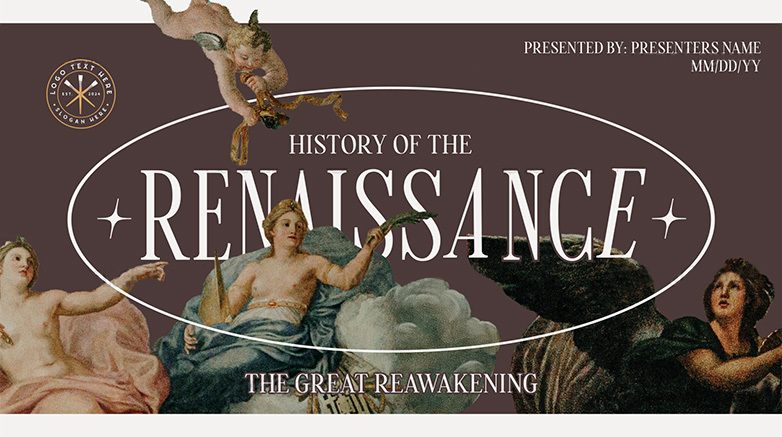
What’s also great is the sheer amount and variety of their slides. You can find retro, modern, colorful, geometric, or whimsical styles, data-driven presentations, or slides that are so minimalistic and chic that they are fitting for luxury brands.
You can even find a presentation on the Renaissance era here. Believe us when we say you can literally find everything on this platform.
Why it’s #2
- Strong emphasis on aesthetic, polished slide design
- Ability to fully customize fonts, colors, icons, layouts, and other visual elements
- Helps transform simple content into visually engaging presentations
- Thousands of designs to choose from, can even find slides even for the most niche concepts
- Multiple export options for your presentations
Best use case
- Entrepreneurs looking for visually engaging slides when presenting to clients or stakeholders
- Creatives who need fancy-looking portfolios
- Marketers for visual-forward brands
Verdict: BrandCrowd is a strong choice if your priority is style and visual appeal.
3. 2slides → Best for AI Agents, Workflows & Developer-Driven Presentation Pipelines
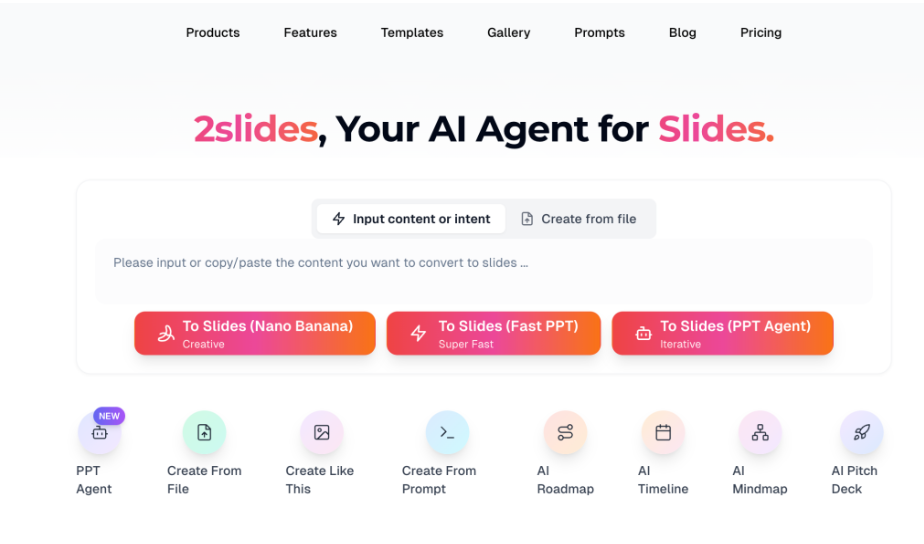
Most AI presentation tools are end-user products — log in, click a button, get a deck — and 2slides does that too, but its real edge is being integration-first: the same end-to-end pipeline that powers its web app (document-to-deck, AI image slides, voice narration, MP4 video) is also exposed through a full REST API, a hosted MCP server, and ready-to-use Agent Skills. For human users it works as expected — upload a PDF, DOCX, XLSX, Markdown, JSON, plain text, or existing PPTX and get a fresh, fully editable deck, with optional AI-generated illustrations per slide (powered by the latest models, including Nano Banana), AI voice narration in 8+ voices with a two-speaker dialogue mode, and one-click 16:9 or 9:16 MP4 export — but the unlock is that every one of those steps can also be triggered by an agent, an n8n / Zapier flow, or a Claude / GPT skill, turning presentations from a manual step into a callable capability.
Why it stands out:
- Built for AI agents and workflows — full REST API, hosted MCP server, and Agent Skills make slide generation a first-class tool call, not a manual export
- Real, editable PowerPoint (.pptx) export — no watermark, no paywall on the export button
- AI image-per-slide mode, voice narration in 8+ voices, and one-click MP4 video export at 16:9 or 9:16
Best use case:
- AI agent builders who need "generate a slide deck" as a callable tool inside Claude, GPT, or custom multi-agent systems
- Automation teams wiring presentations into n8n, Zapier, Make, or internal LLM workflows
- SaaS products that want to ship a presentation feature without building one from scratch
Verdict:
If you’re building an AI agent, an automation workflow, or a product that needs presentations as an output — and you also want a polished end-user experience that produces editable PowerPoint, narrated audio, and MP4 video — 2slides is the only tool on this list that gives you all of it through one API, one MCP server, and one set of Agent Skills.
4. Prezi → Best for Unique, Zoomable Presentations
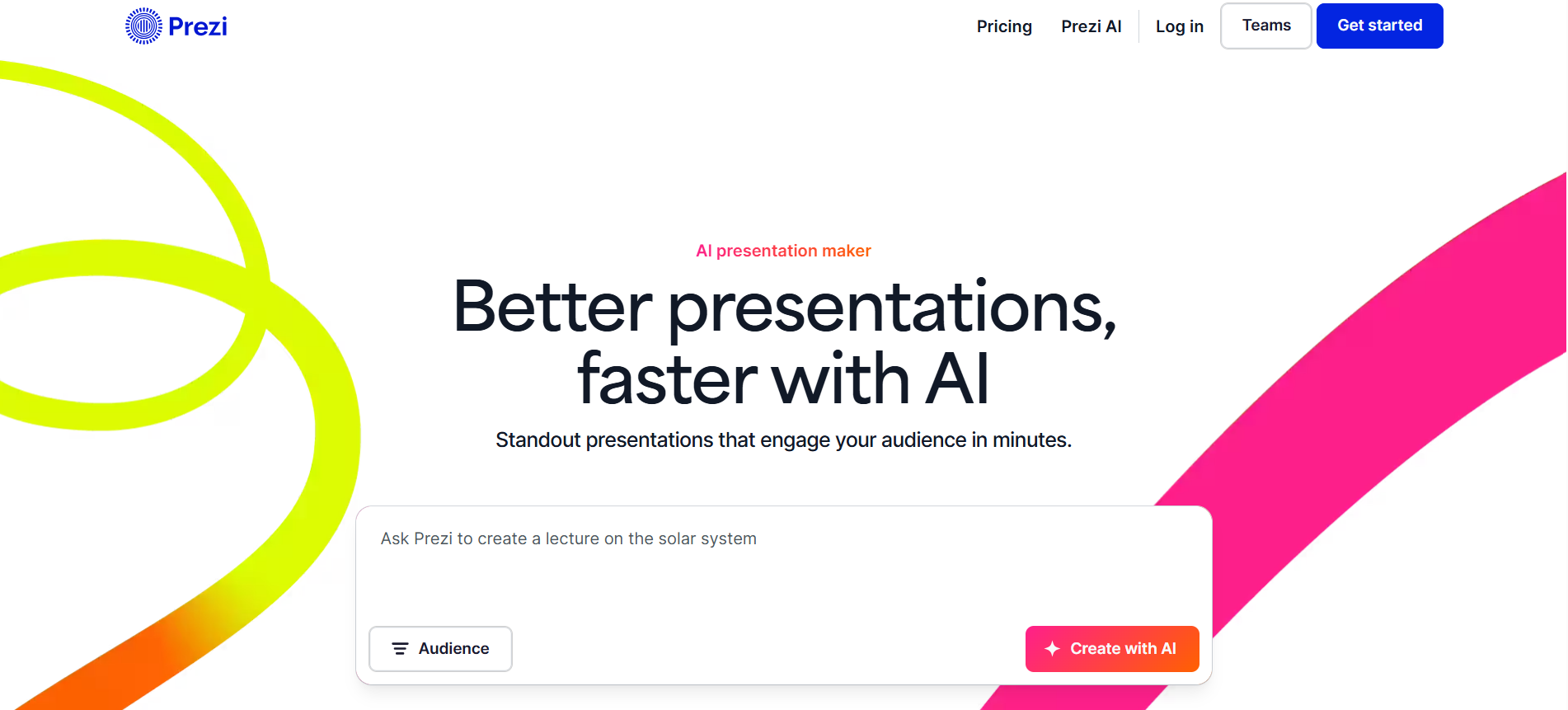
Tired of the traditional slide format? Prezi gives you something completely different.
What they have are zoomable canvas, one where you navigate a full map of ideas instead of going from one slide to the next.
This lets you present ideas in a more dynamic and unique way. It can also help make presentations feel more like a guided experience. Which is why it works well for brand storytelling, tutorials, and any presentations where you need to explain concepts and ideas.
Why it’s different
- Non-linear, zoom-based presentation format
- More engaging and interactive than standard slides
- Helps visualize connections between ideas
- AI gives personalized recommendations every step of the way
Best use case
- Educators who want to explain a concept in a clearer way
- Presenters who want a more interactive way of storytelling
- Brands that are looking for a more engaging and memorable way to pitch
Verdict: Prezi is the go-to if you want to break away from the traditional slides.
5. STORYD → Best for Narrative-Driven Presentations
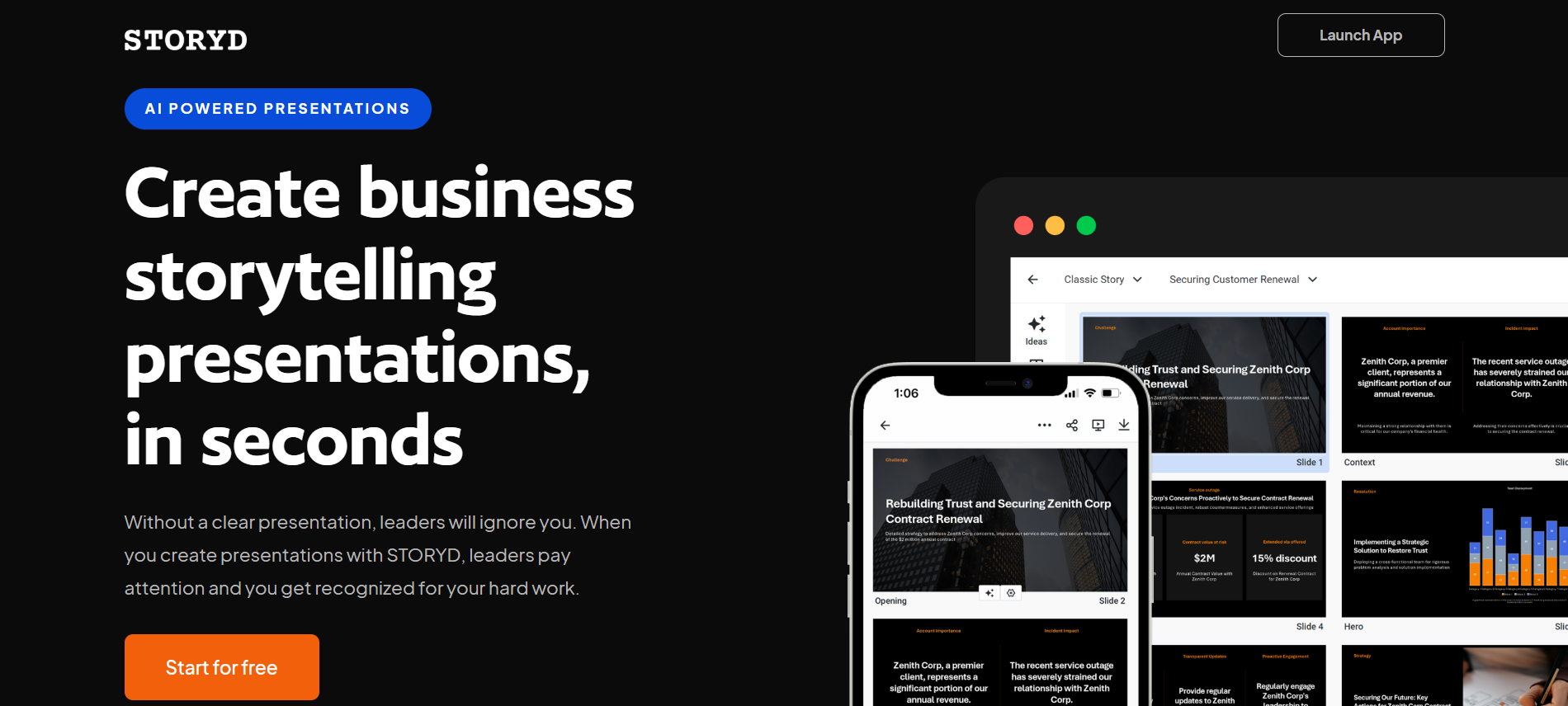
If you’re struggling to organize your ideas into one cohesive flow, STORYD might be worth a look.
STORYD focuses on one thing: helping you tell a clear, compelling story. It uses AI to structure your content into a logical flow or a particular narrative, with a clear beginning > middle > end. It’s particularly useful when your presentation needs to persuade rather than just inform, or when you just need to showcase your brand’s story in the most cohesive way possible.
Why it works
- Helps turn raw input into a cohesive narrative
- Provides a clear structure for ideas and messaging
- Also works great for business presentations, as it presents data and insights in a clearer way
Best use case
- Consultants making business presentations and strategy decks
- Marketers who want better and more logical storytelling
- Teams who need a better way to present their reports and insights
Verdict: STORYD is a smart choice for those looking for a stronger framework for their presentations. However, the tool is not very flexible when it comes to customization, nor are the slides that visually interesting.
6. Gamma AI → Best for Webpage-Style Presentations
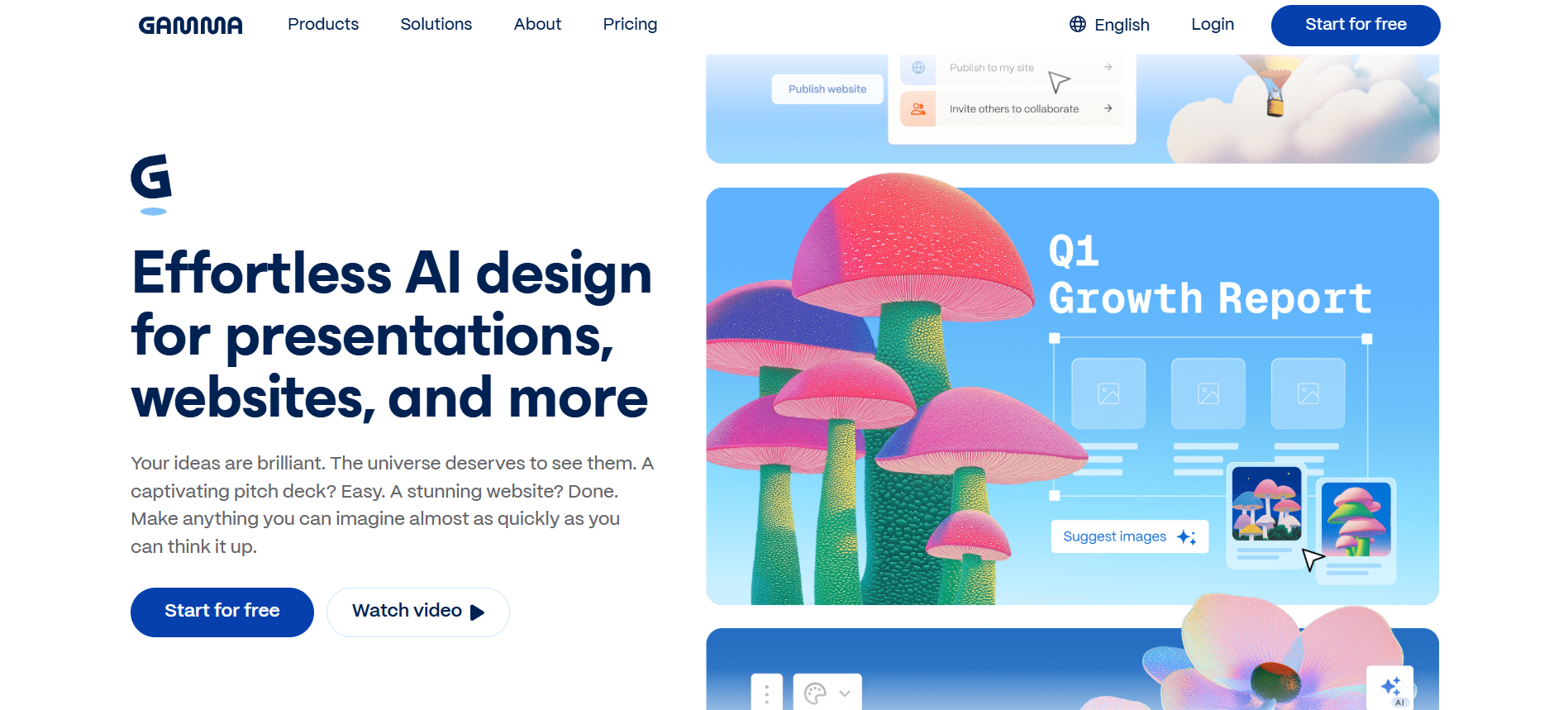
Another entry in the "unique format” tools is Gamma AI.
Gamma AI reimagines presentations by turning them into scrollable, webpage-style experiences. Instead of flipping through slides, your audience scrolls down through the content, almost as if you're scrolling through a webpage or your phone.
It makes it feel more modern and engaging to look at. This format also encourages more narrative flow, which again makes it more unique compared to traditional slides.
Why it works
- Creates webpage-like presentations instead of the typical slides
- Clean, modern layouts optimized for screens
- Fast AI generation from simple prompts
Best use case
- Marketers who want to spice up their slides
- Presenters who are looking for more unique presentation style
- Founders who want great slides with minimal effort
Verdict: Gamma is a solid option for those looking to break away from the typical presentation slides mold.
7. Pitch → Best for Team Collaboration
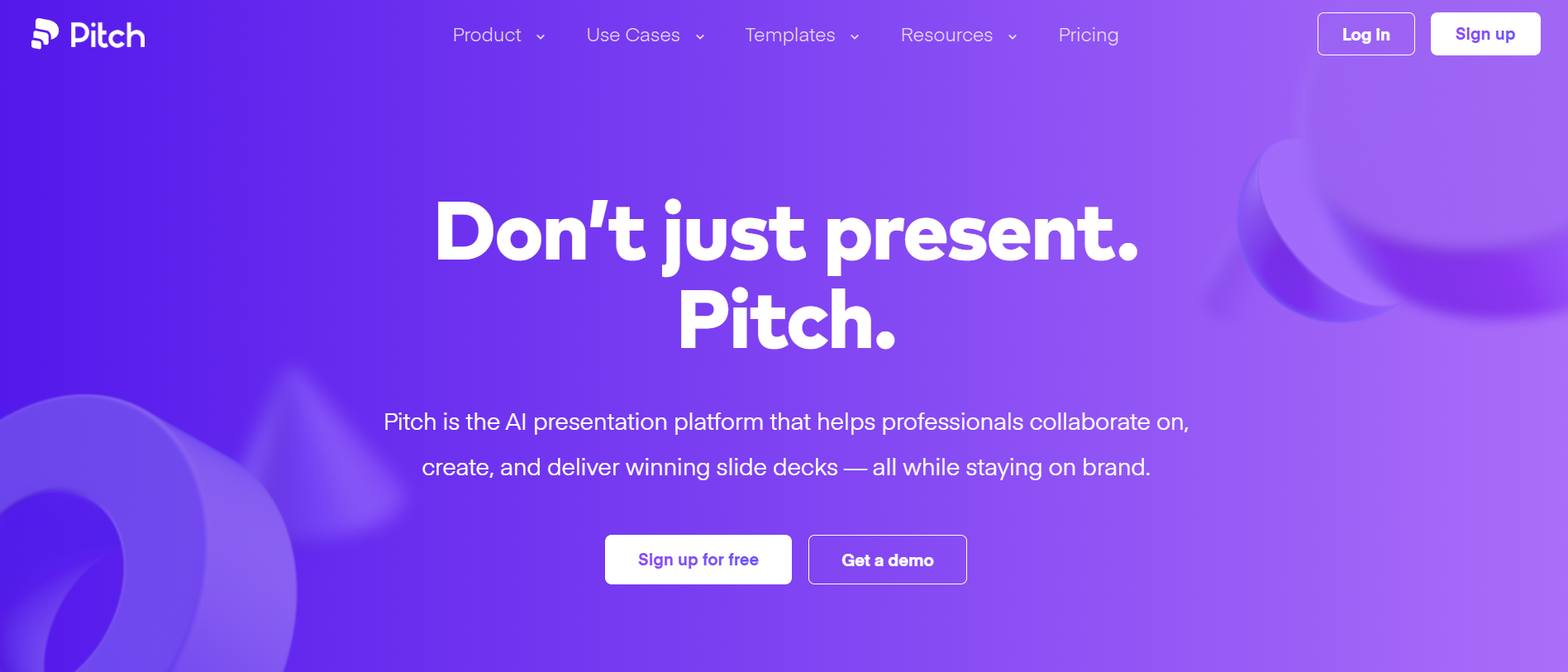
Pitch is designed for teams that build presentations together.
Pitch allows you to edit the same slide real time or asynchronously. Users can also assign editing tasks, see statuses, or leave comments on specific slides. These are useful for teams that want to efficiently create a slide together.
The AI part is a bit middle of the road. They can produce slides fast enough, sure. But the visuals and content is average. Still, their main selling point is the collaboration features, which they do indeed excel at.
Why it works
- Collaborative editing, almost like Google Docs but for slides
- Offers tracking options to see which slide was viewed the most
- Integrates with tons of third party apps so you just need to export data instead of copy-pasting them all
Best use case
- Remote team that wants to work together
- Anyone that needs to do a team presentation
- Startups that want to create better investor pitches
Verdict: Pitch is built for teams working together and making them work more efficiently. However, their decks are more geared towards marketing and sales, so if you’re looking for more educational slides, you won’t really find it here.
8. Prezent → Best for Life Sciences and Data-Heavy Presentations
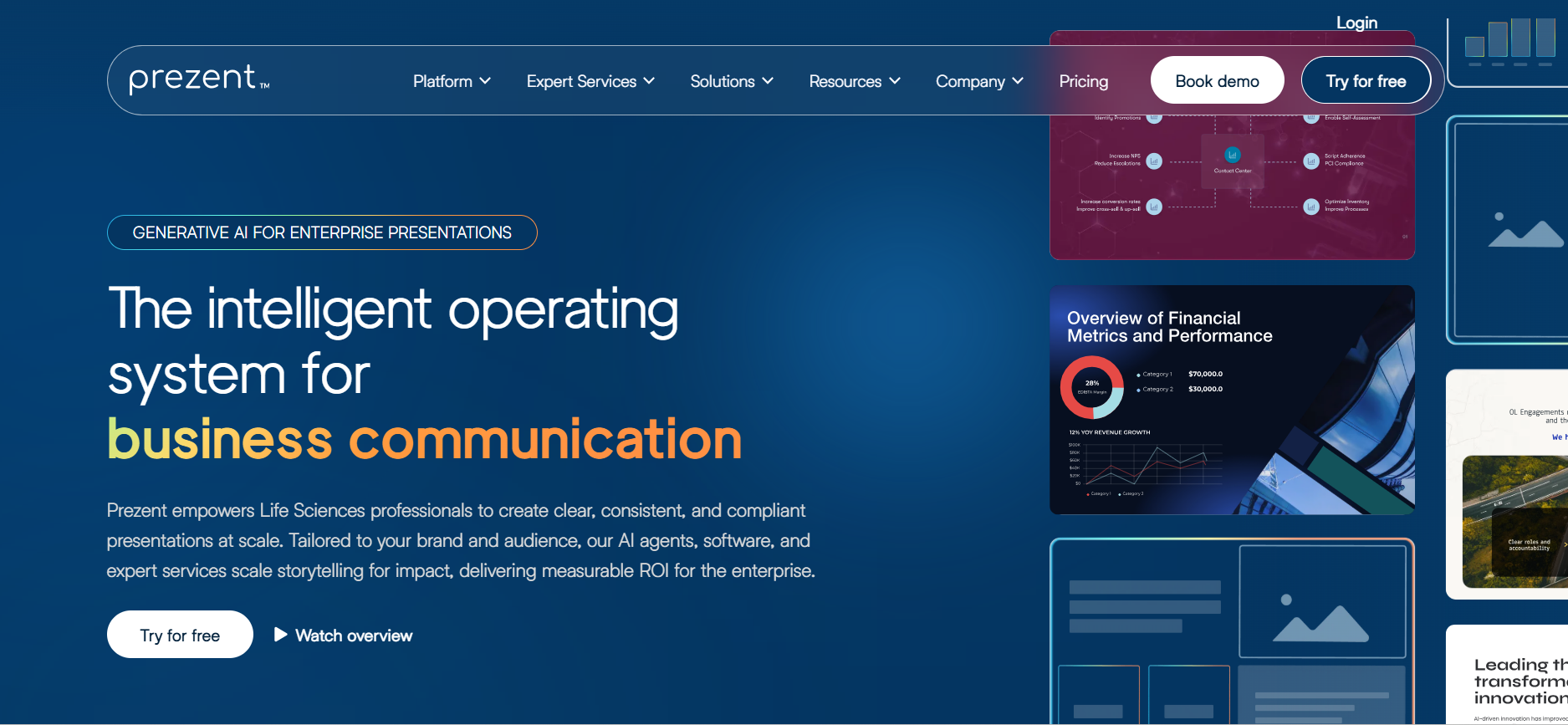
Prezent is built for a very specific audience: business, life sciences, medical, and R&D teams.
It’s designed to handle complex, data-heavy, and compliance-driven presentations where accuracy and clarity matter more than visual flair. Even the templates they provide are more geared towards typical business scenarios: quarterly business reviews, investor updates, strategy decks, research materials, and the likes.
Why it works
- Supports complex data, even scientific and clinical ones
- Focus on accuracy, compliance, and structured communication
- Tailored for pharma, biotech, and medical professionals
Best use case
- Enterprise teams that work on data-heavy decks
- Researchers providing scientific reports
- Educators doing clinical presentations
Verdict: Prezent is built for a higher level of detail and more complex data visualization. It may, however, be too overkill for a typical marketing or business presentation.
Final Thoughts
Free AI presentation makers have made it faster and easier than ever to create great slides.
However, choosing the best tool for you is still crucial, if you want to make a presentation that is 100% geared for your needs.
Here’s a quick way to decide:
- For the best overall: Design.com
- For stylish, polished visuals: BrandCrowd
- For unique, interactive delivery: Prezi
- For storytelling and structure: STORYD
- For webpage-style presentations: Gamma AI
- For team collaboration: Pitch
- For scientific and data-heavy decks: Prezent
While each platform shines in its own niche, Design.com ultimately stands out as the #1 choice. Its ability to combine branding, design quality, ease of use, and speed makes it the most versatile option, capable of handling almost any presentation need.
And that remains true whether you need data-heavy slides for your reports, visually interesting decks for marketing, or just polished professional sides for business pitches.
Design.com also doesn’t stop with just presentations. Should you need a brand logo, a Facebook cover, or a flyer, you’ll surely find one on the platform.
Need more help in the field of design? Check out our articles below:
Faviola Publico is an SEO Content Writer specializing in branding and digital marketing strategies. Outside of work, she enjoys reading slice-of-life novels and watching any mystery thriller-themed series.
Written by DesignCrowd on Friday, May 8, 2026
DesignCrowd is an online marketplace providing logo, website, print and graphic design services by providing access to freelance graphic designers and design studios around the world.
