Networking today often happens in seconds, through a tap, a text, or a quick scan. A digital business card fits naturally into that pace, making it easy to share your details, update them instantly, and keep your information current.
As digital networking has evolved, many digital business card makers have expanded into full branding platforms, offering tools for logo design, website creation, and social media design. The challenge is choosing a platform that goes beyond creating a digital card and delivers the features you need for your business.
That said, we tested five of the best digital business card makers in 2026 using the same evaluation criteria to see how they compare and what each one actually offers.
How did we test these tools?
Each platform was evaluated across five criteria:
- Template library. How many digital card designs are available and how relevant they are across professions.
- Customization. How much control you have over layout, branding, and content once you start editing.
- Shareability. How easily the finished card can be sent, published, and viewed across devices.
- Feature depth. Whether the card does more than display information, think lead capture, payments, and media.
- Pricing. What is actually free versus what requires a paid plan.
Quick Comparison Table
|
Tool
|
Starting Price
|
Template Library
|
Customization
|
Key Strength
|
Best For
|
|
Design.com
|
Freemium / Starts at $3/mo
|
AI-generated designs across a wide range of industries
|
High
|
Lead capture, payments, and complete branding tools
|
Businesses wanting more than a digital business card
|
|
BrandCrowd
|
Freemium / Starts at $3/mo
|
Extensive library of professionally designed templates
|
High
|
Fast creation with professionally designed templates
|
Businesses wanting polished, branded cards quickly
|
|
Canva
|
Free / Starts at $18/mo
|
Large collection of business card templates
|
High
|
Familiar editor with collaboration tools
|
Existing Canva users
|
|
Adobe Express
|
Free / Starts at $9.99/mo
|
Professionally designed templates
|
High
|
Advanced editing with Adobe Creative Cloud integration
|
Adobe ecosystem users
|
|
Moo
|
From $23
|
Curated digital card designs
|
Moderate
|
Premium print and digital card pairing
|
Businesses investing in premium printed cards
|
1. Design.com — Best overall digital business card maker
Design.com takes the top spot by combining a digital business card maker with a complete branding platform. Enter your business name or keywords to create a shareable online contact profile through AI-assisted setup. The editor makes it easy to customize colors, fonts, layouts, and branding elements. Every card includes a unique URL that you can share through email, text messages, messaging apps, and social media.
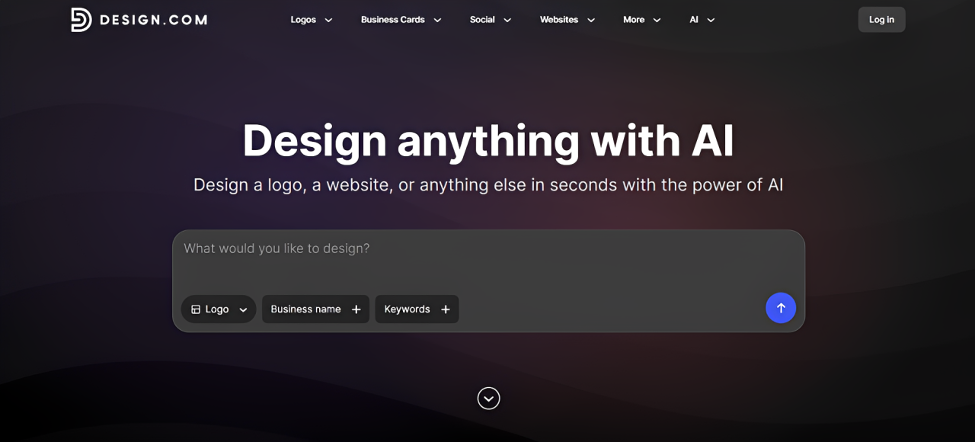
It does more than display your contact details. Built-in lead capture, payment support, and media embeds help turn your card into an active business tool. Design.com automatically applies your logo to your digital business card. That keeps your branding consistent across your website and other marketing materials.
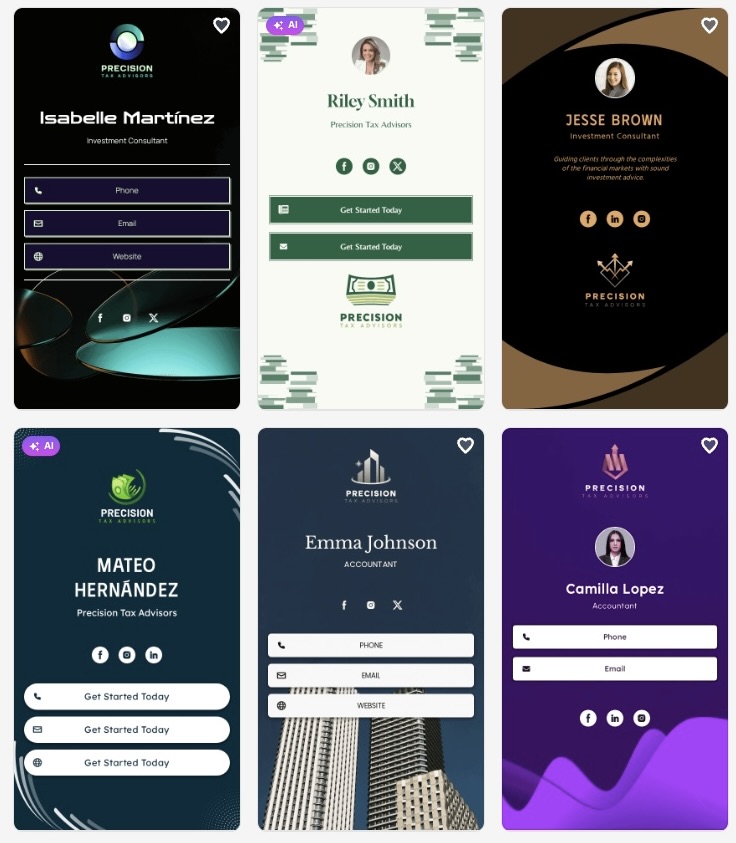
What a Design.com digital business card looks like
Design.com creates industry-relevant concepts across a wide range of visual styles. Below are samples of digital business cards for Precision Tax Advisors, showing how the platform adapts layouts, typography, and color schemes to suit a professional financial services brand.
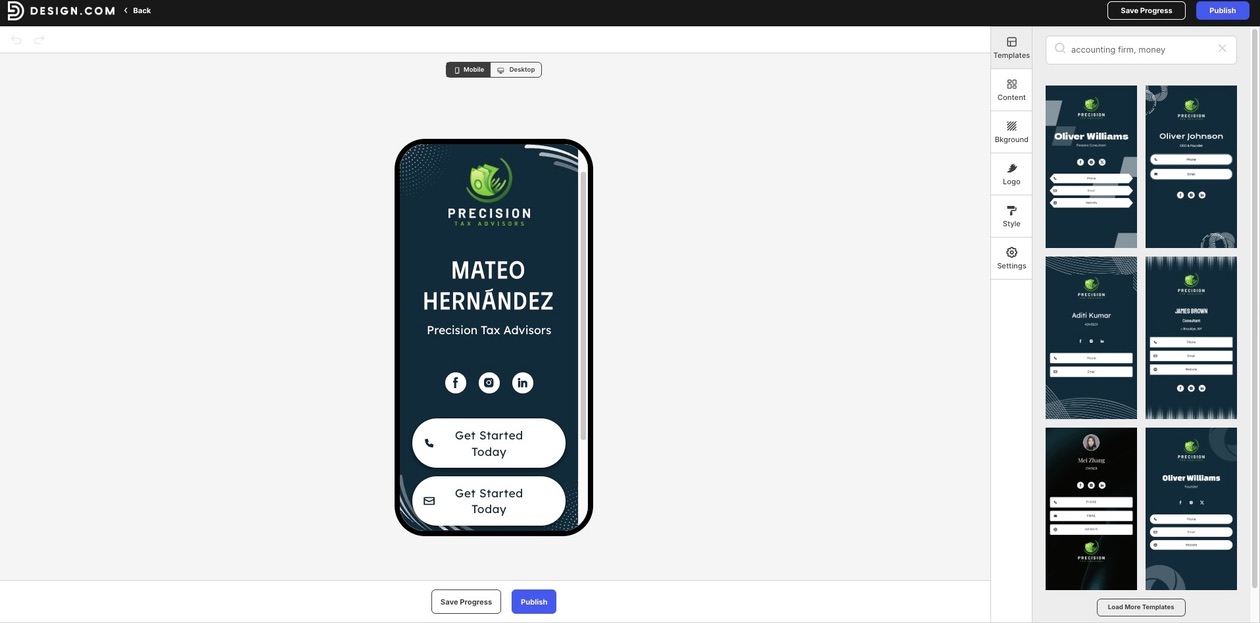
Take a look at the mobile preview of the digital business card. Design.com lets you see exactly how it will appear on a smartphone, making it easy to refine the layout, colors, and text before sharing it.
Beyond the digital business card, Design.com includes a broader branding ecosystem:
- Choose from over 1,000 digital business card templates backed by a design library of more than 500,000 logo templates and 1 million professionally designed assets.
- Create logos, websites, social media graphics, and digital business cards from the same platform to keep your branding consistent.
- Secure extended logo licenses for exclusive commercial rights to your chosen logo.
Pricing
- Free: Create and customize a digital business card with a shareable profile and essential features at no cost.
- Premium: $3/month billed annually or $5/month billed monthly. Includes 100+ templates, unlimited links, a custom branded URL, custom domain support, full editor access, contact forms, email capture, image and video support, payment acceptance, and 24/7 customer support.
The verdict
Design.com delivers the most complete package in this comparison. It combines digital business cards with lead capture, payments, and a connected branding platform. The result is a solution that grows with your business instead of serving as a standalone contact card.
2. BrandCrowd — Best for fast, branded card generation
BrandCrowd ranks second by making it easy to create polished digital business cards with very little setup. Start with a professionally designed template, then customize colors, fonts, layouts, backgrounds, icons, and shapes to match your brand. The editor keeps the process straightforward, making it easy to publish a polished card in just a few steps. Every card includes a shareable URL for email, messaging apps, and social media.
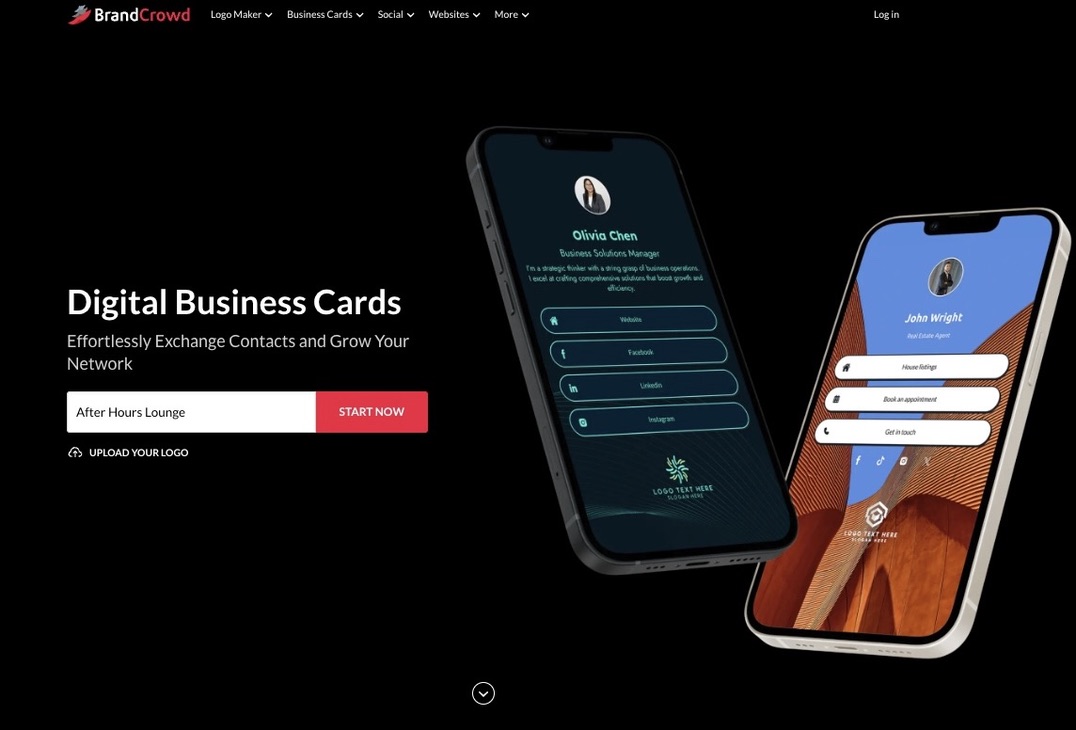
Publishing is just as simple. Any updates appear immediately, so there's no need to resend an updated version. BrandCrowd automatically applies your logo to your digital business card, helping you maintain a consistent brand across your marketing materials. More than 750 fonts, including 525+ exclusive fonts, and over 62,000 custom vector shapes provide plenty of flexibility for refining your designs.
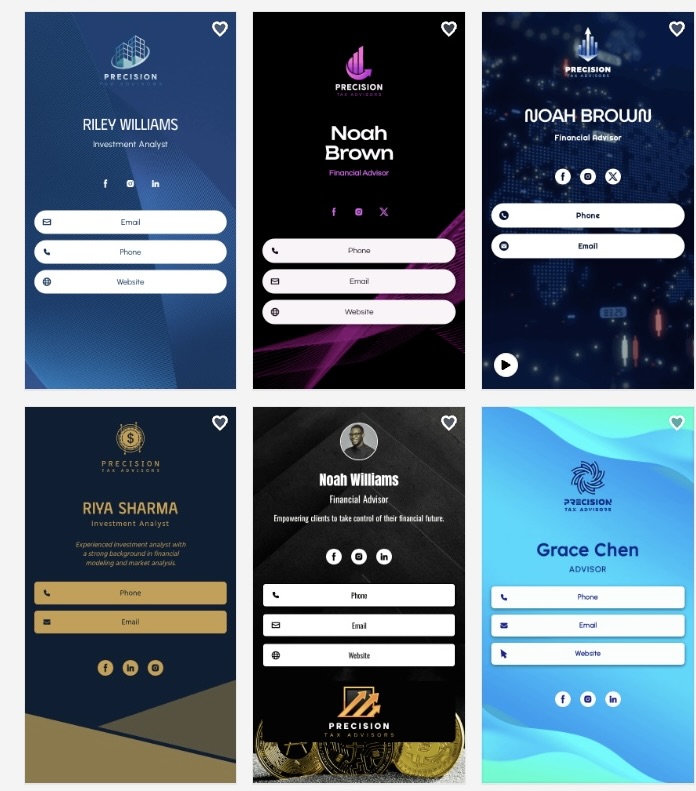
Just to keep the comparison consistent, we also created a digital business card for the same company in BrandCrowd. This allowed us to evaluate how each platform approached the same business and branding requirements.
As you can see below, BrandCrowd generated a polished design with its own visual style.
Pricing
- Free: digital business card templates are available to create and customize at no cost, with a shareable profile and basic functionality included.
- Premium: $3/month billed annually or $5/month billed monthly, cancel anytime. Includes 100+ templates, unlimited links, a free custom branded URL, custom domain support, full editor access, contact form and email capture, image and video support, payment acceptance, and 24/7 customer care.
The verdict
BrandCrowd makes it easy to create polished digital business cards without a complicated workflow. Its professionally designed templates, straightforward editor, and wider collection of branding tools make it a strong choice for businesses that value speed and visual quality.
3. Canva — Best for existing Canva users
Choose Canva if you already use the platform regularly and want a simple digital card without learning a new tool.
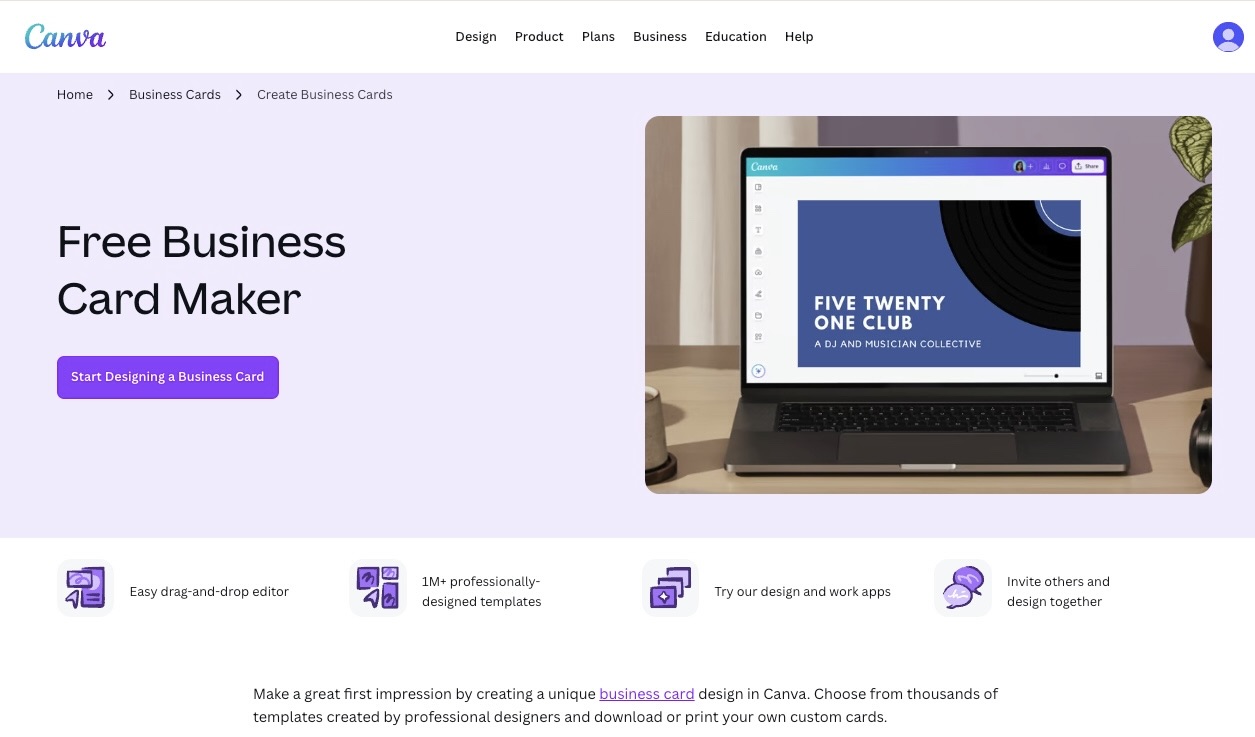
Canva's digital card options work the same way its other templates do: pick a layout, adjust colors and text, and export or share a link. It gets the job done for a straightforward digital profile, and the drag-and-drop editor will already feel familiar if you have used Canva before. It is not built specifically around networking features like lead capture or payments, so the card mostly works as a shareable visual rather than a full business tool.
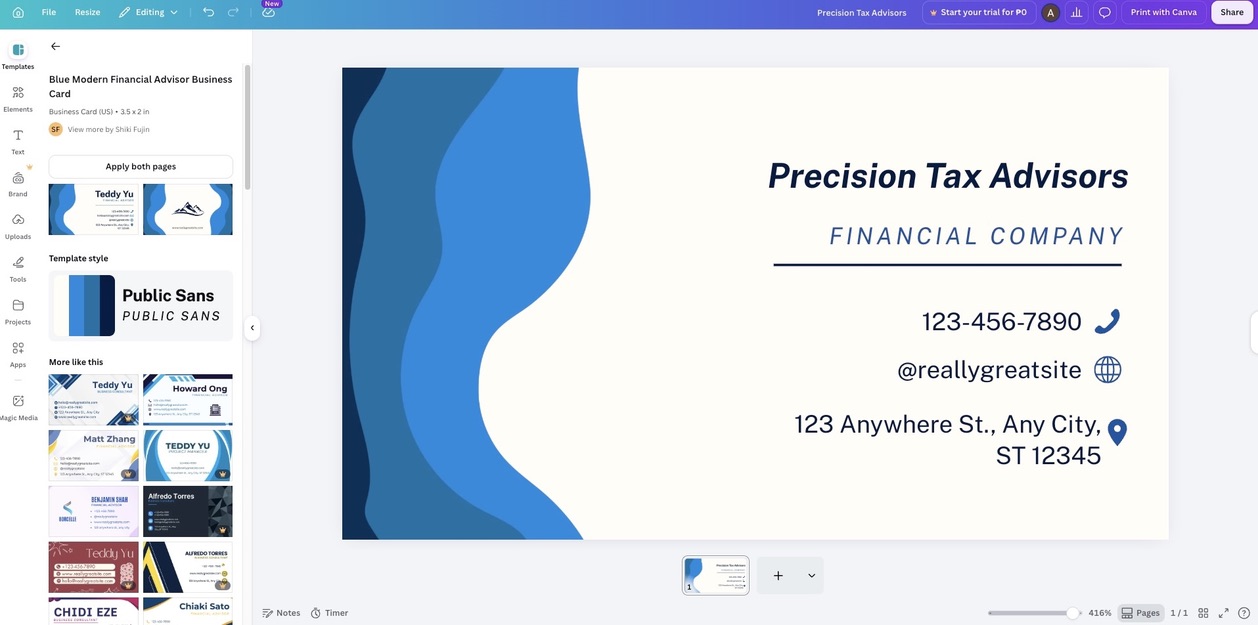
Look how Canva generated a clean and presentable digital business card that works as a solid starting point. But the overall design is fairly standard, so creating a more distinctive result usually requires additional customization.
Pricing
- Free: basic templates and downloads available.
- Canva Pro: $18/month, unlocking premium templates, brand kits, and additional design tools.
The verdict
Canva is a solid choice when convenience matters more than added features. It works well as a digital profile you can share, though it does not include the built-in lead capture, payments, or brand automation that dedicated card platforms offer.
4. Adobe Express — Best for Adobe Creative Cloud users
Adobe Express works best for businesses that already use Adobe's creative tools. Start with a professionally designed template, then customize colors, fonts, layouts, images, and branding elements through its editor. Every digital business card can be shared through a link, making it easy to distribute by email, messaging apps, and social media.
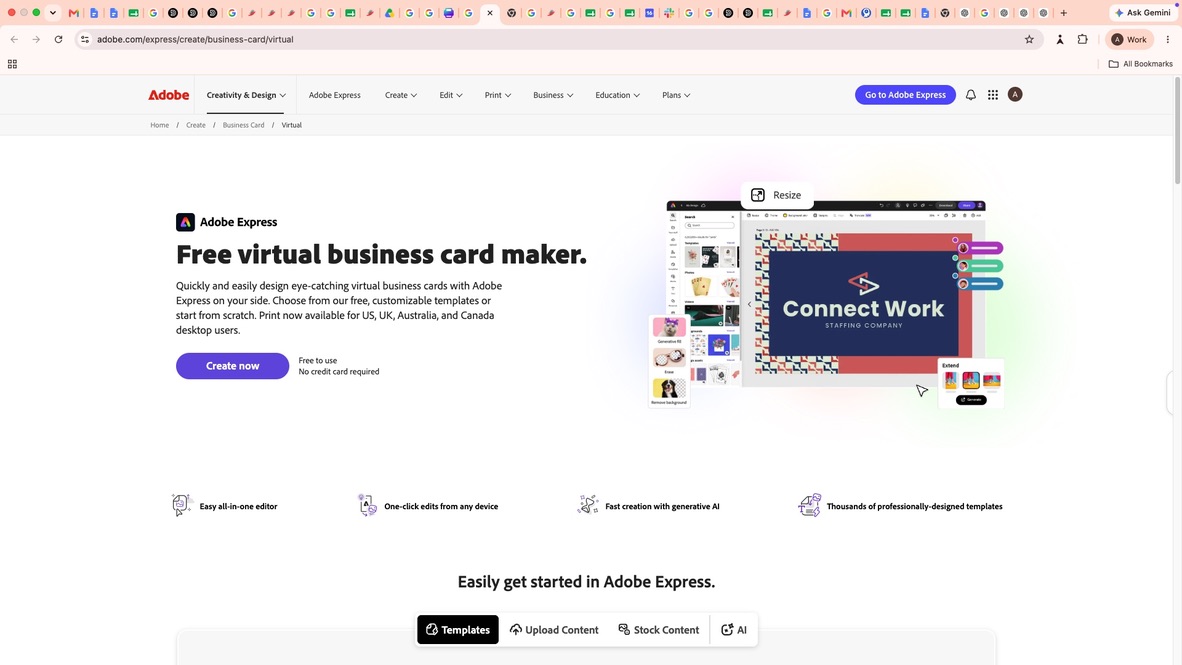
The editor provides more control than many basic business card makers. You can fine-tune text, images, and layouts without leaving the platform. Adobe Express also connects with Creative Cloud, allowing you to reuse assets created in Photoshop or Illustrator and access Adobe Fonts and Adobe Stock when needed. Brand Kits are available for keeping logos, colors, and fonts consistent across different projects.
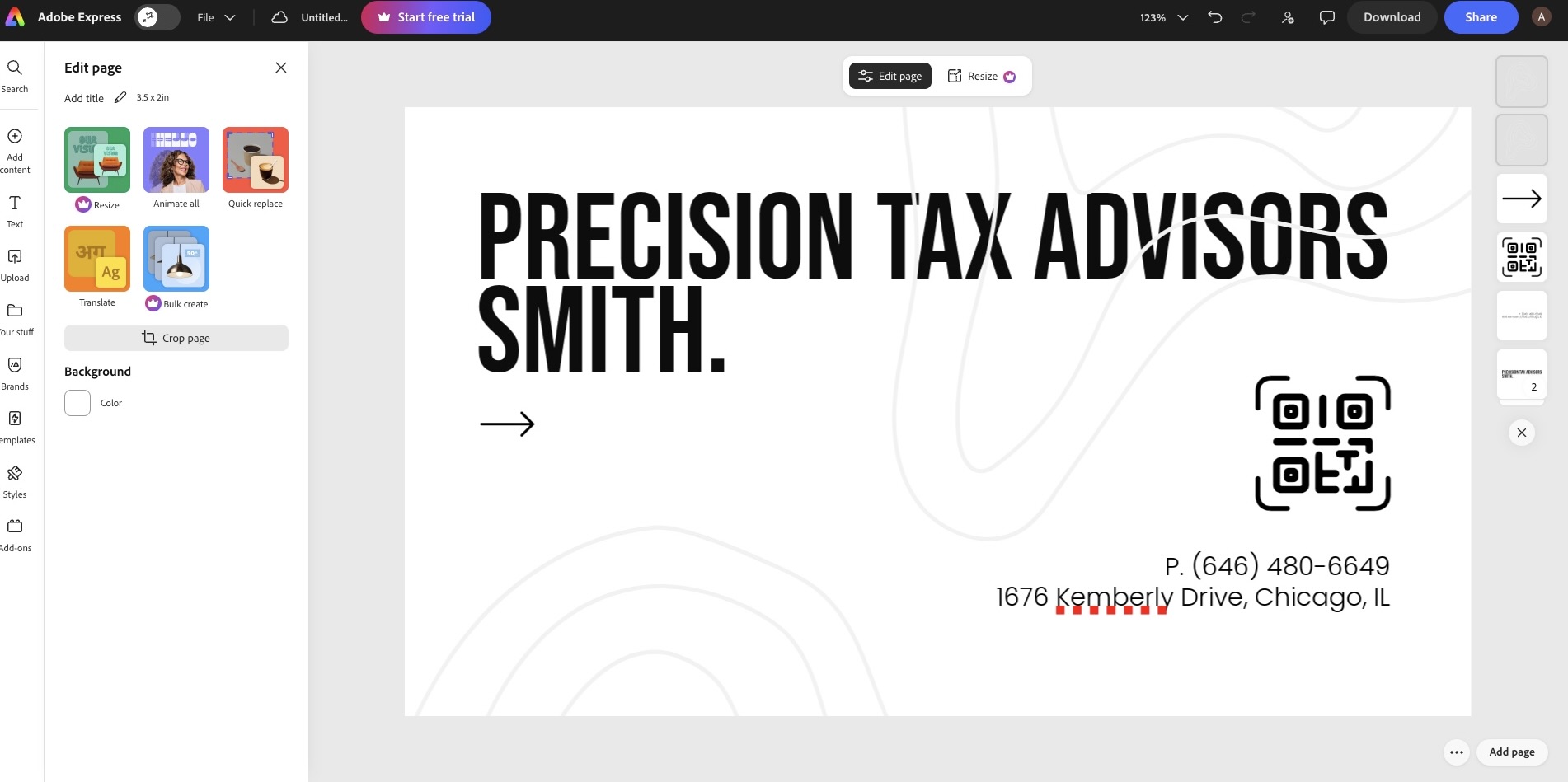
Here’s the digital business card generated by Adobe Express. The design is clean and easy to edit, although the default result is fairly simple and relies on further adjustments to create a stronger visual identity.
Pricing
- Free: Create and customize digital business cards using core templates and editing tools.
- Premium: Starts at $9.99/month. Includes premium templates and assets, Brand Kits, Adobe Stock content, and Creative Cloud integration.
The verdict
Adobe Express is a practical choice for existing Adobe users. The editing tools offer more flexibility than many dedicated business card makers, although businesses looking for built-in branding features or lead generation tools may find more specialized options elsewhere.
5. Moo — Best for brands that need matching digital and printed cards
Choose Moo if you are ordering physical cards through the platform and want a digital version that carries the same look and feel.
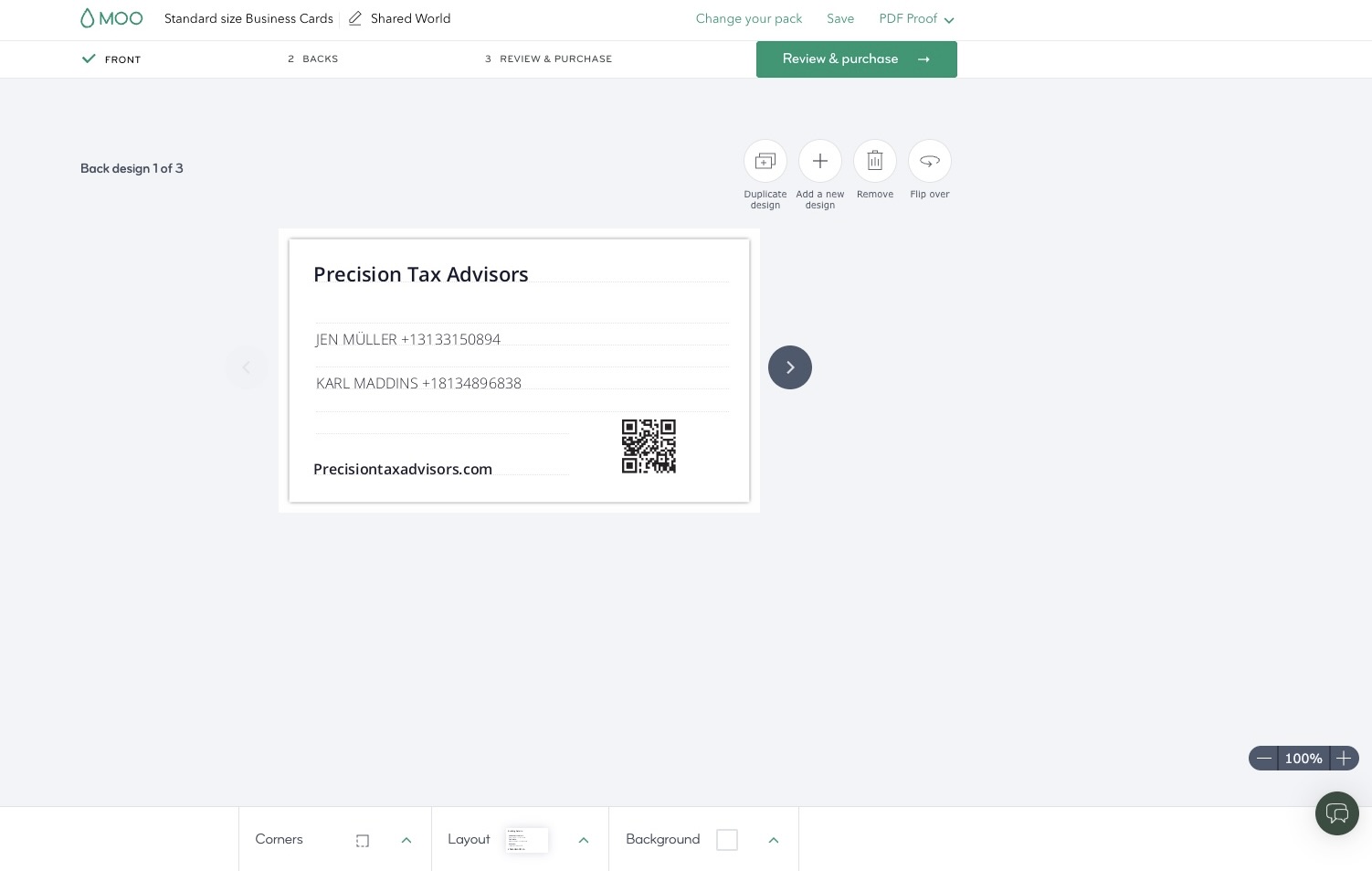
Moo's digital card is designed to pair with its printed cards, giving you a consistent way to share your details digitally once your physical design is set. It covers the essentials well: a clean, shareable digital version of your card that mirrors your printed branding. It does not include the lead capture or payment features found on platforms built around digital sharing first, so it works best as a companion to your printed card rather than a standalone networking tool.
While the design is well suited for print, Moo offers fewer digital-first features and less flexibility than platforms built specifically for digital business cards.
Pricing
- Free to design a digital version. Costs apply mainly to physical print orders, which vary by quantity, paper, and finish.
The verdict
Moo is a good fit if you are already using the platform for print and want your digital card to feel like part of the same set. For businesses whose main need is a digital card on its own, a platform built around digital first may offer more.
Which digital business card maker should you use?
A digital business card has become an important part of modern networking. The best platforms go beyond sharing contact details by helping you collect leads, showcase media, share links, and keep your information current. Choosing the right one comes down to the features you need and how well it supports your business.
Design.com is the strongest overall option in this comparison. It combines lead capture, payment support, and automatic brand syncing into a single platform. BrandCrowd follows closely behind with its professionally designed templates, straightforward editor, and fast publishing workflow. Both deliver polished digital business cards, but Design.com offers a broader set of business features, while BrandCrowd focuses on helping you create and publish branded designs quickly.
Ultimately, the best digital business card is the one that fits naturally into your workflow and helps you make every business connection count.
Read more design articles here:
Written by DesignCrowd on Monday, August 17, 2026
DesignCrowd is an online marketplace providing logo, website, print and graphic design services by providing access to freelance graphic designers and design studios around the world.
