When your brand grows across regions, product lines, or sister companies, one website rarely stays alone for long. The problem is that small changes start spreading unevenly: an old product description stays live on one country site, a new campaign line appears on another, and a local team swaps in an image that no longer matches the brand. Establishing consistent logo design guidelines can help every team use the correct visual identity across the entire website network.
The best CMS for multiple websites should help teams reuse approved content, manage local differences, and control publishing without turning every update into a developer ticket. This article was contributed on behalf of Hygraph, which is included in the list and evaluated against the same criteria as the other platforms.
How We Chose These CMS Platforms
The best CMS platforms for brand consistency give teams a practical way to share what should stay consistent and localize what should change. That matters commercially: Marq research has found that consistent brand presentation is associated with an estimated 10-20% lift in growth or revenue, while Forrester names consistency as one of the top trust levers for business buyers.
For this list, we looked for multisite or multi-brand support, reusable content, role-based editing, localization, workflow controls, and credible public proof from product documentation or case studies.
We also favored platforms that make the CMS and design system relationship clear. A CMS can govern content, permissions, assets, and publishing rules. Your visual consistency still depends on approved templates, frontend components, brand rules, and the people who maintain them.
CMS Platforms for Multiple Websites at a Glance
|
CMS platform
|
Strong fit for
|
Brand consistency mechanism
|
Setup note
|
|
Hygraph
|
Multi-brand teams using structured content across sites and channels
|
Shared content models, GraphQL delivery, permissions, localization, and workflows
|
Best with a developer-led frontend and content model planning
|
|
Craft CMS
|
Related sites managed by the same or overlapping publishing team
|
Site groups, entry propagation, field translation settings, and site-specific templates
|
Not intended for unrelated projects with separate teams
|
|
Umbraco
|
Organizations with .NET teams and related websites
|
Multiple root nodes, domains, shared schema, and Cloud Baselines
|
Single-project multisite can add workflow and resource complexity
|
|
TYPO3
|
Large multilingual portfolios
|
Site trees, languages, editor roles, permissions, and reusable base systems
|
Often needs experienced TYPO3 implementation support
|
|
Concrete CMS
|
Franchises, departments, and local site managers
|
Central dashboard, site types, permissions, themes, and content syndication
|
Multisite features sit in version 9.x and above
|
|
Wagtail
|
Teams with Python/Django engineering support
|
Page trees, groups, workflows, site settings, and custom models
|
Strongest when the team can customize governance rules
|
|
Xperience by Kentico
|
Marketers tying websites to wider digital campaigns
|
Content Hub, reusable content, workspaces, workflows, and multichannel delivery
|
Broader marketing platform with CMS capabilities
|
|
Progress Sitefinity
|
Central teams managing local publishing groups
|
One instance, multiple sites, languages, permissions, and shared content sources
|
License and release planning matter across sites
|
|
Magnolia
|
Enterprise teams with shared templates and integrations
|
Multisite module, site definitions, inheritance, templates, themes, domains, and locales
|
Multisite is tied to paid DX Core licensing
|
|
dotCMS
|
Regulated or complex multisite portfolios
|
Hosts, System Host shared content, templates, permissions, and workflows
|
Needs careful information architecture for shared content
|
10 Best CMS Platforms for Brand Consistency
The top CMS platforms for keeping multiple websites consistent include Hygraph, Craft CMS, Umbraco, TYPO3, Concrete CMS, Wagtail, Xperience by Kentico, Progress Sitefinity, Magnolia, and dotCMS.
1. Hygraph
Hygraph is a strong fit when a brand wants one structured content foundation for several websites, regions, languages, or channels.
Teams can model reusable entries such as product descriptions, campaign blocks, legal text, FAQs, and author bios, then use internationalization CMS features to localize only the fields that need to change for each market. This helps keep core brand messaging consistent while giving regional teams room to adapt language, offers, and compliance details.
Hygraph also supports GraphQL delivery, permissions, workflows, localization, and Content Federation for content pulled from other systems.
DPG Media’s public case study reports 35-plus brands managed with Hygraph.
Best for: Multi-brand teams that want reusable content delivered to several digital experiences.
Not a fit for: Teams that want a traditional page builder with minimal frontend development.
2. Craft CMS
Craft CMS works well for related websites that share a publishing team, content structure, or localization plan.
Its multisite documentation says one Craft installation can power any number of websites, with each site using its own domain, language, templates, and entry settings. Editors can decide which sections are available on each site and how entries propagate across sites, groups, or languages.
Craft is clearest when the sites are connected, and some publishing responsibility is shared.
Best for: Brand families, regional sites, or product sites run by an overlapping team.
Not a fit for: Separate businesses that need hard operational separation.
3. Umbraco
Umbraco is practical for organizations comfortable with Microsoft technologies and .NET development. Its multisite setup uses multiple root nodes inside one content structure, with domains mapped to individual roots.
That lets related websites share a schema while keeping their own pages and languages. Umbraco's documentation flags tradeoffs: one-project multisite can increase resource use and complicate editor workflows.
For Cloud projects, Umbraco recommends Baselines. Van Kaathoven used Umbraco Cloud and Umbraco Commerce for a multilingual multisite framework.
Best for: Related websites supported by an internal or agency .NET team.
Not a fit for: Teams without technical ownership of the shared schema.
4. TYPO3
TYPO3 is built for large site portfolios where multilingual content, permissions, and governance matter. It is often used by universities, public sector organizations, manufacturers, and global businesses with many related sites under one technical foundation.
TYPO3 case material for ACO describes 125-plus websites across more than 50 countries, supported by a unified base system and 30-plus languages. It is a serious candidate when consistency depends on repeatable content elements, editor access, localization, and controlled rollout across markets.
Best for: Large multilingual organizations with complex editor permissions.
Not a fit for: Small teams looking for a light plug-and-play CMS.
5. Concrete CMS
Concrete CMS is useful when local site managers need an approachable editing experience inside a centrally managed multisite setup. Its version 9.x documentation covers multiple site hosting with one installation, a central control panel, site-specific themes, page types, permissions, and content syndication.
The platform cites U.S. Army MWR, where Concrete consolidated garrison websites into a unified multisite install with compliance controls.
Concrete is suitable for franchises, institutions, and departments that need local control within shared rules.
Best for: Local teams that need in-context editing and central oversight.
Not a fit for: Pure headless builds where editors never manage pages directly.
6. Wagtail
Wagtail is a good match for organizations that want a CMS shaped around their publishing workflow and have Python/Django support.
Wagtail supports multiple sites through site records, hostnames, root pages, page trees, groups, permissions, workflows, and site settings. Its permissions model can assign editing rights to page-tree sections, helping local teams manage areas.
Wagtail is strongest when the team values customization. The platform is used by organizations such as NASA, Google, and the NHS.
Best for: Teams that want custom editorial workflows on a Python/Django stack.
Not a fit for: Marketers who need a packaged multisite product with little development.
7. Xperience by Kentico
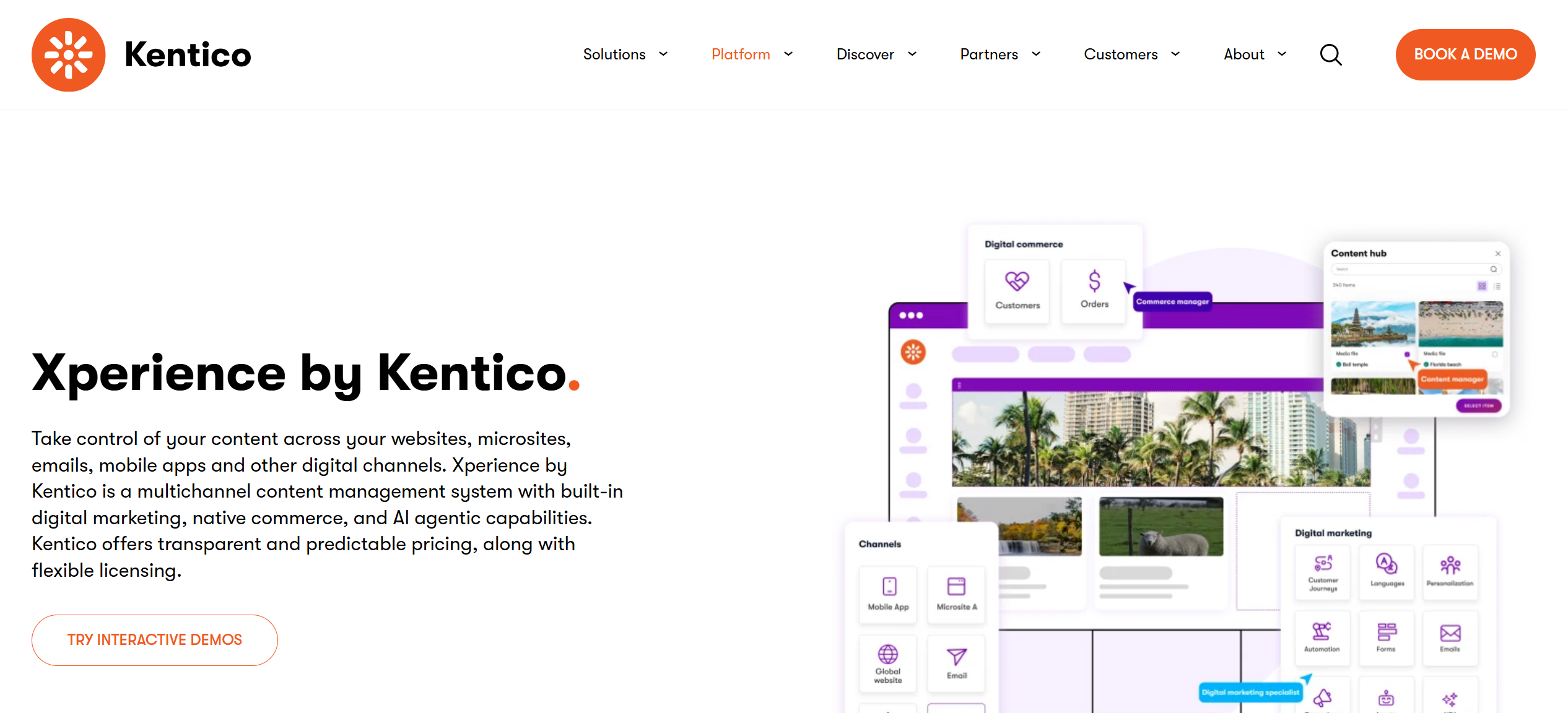
Xperience by Kentico fits teams that want website consistency tied to wider marketing operations. Its Content Hub stores reusable content items and assets that can be published across multiple channels, while workspaces help separate content where needed.
Kentico's product pages also describe workflows, versioning, locking, multilingual support, reusable templates, and headless delivery through GraphQL. Public Kentico material points to Bluebird Care as an example, with national content reused across more than 200 franchise sites.
Best for: Marketing teams that want CMS, reusable content, and campaign operations together.
Not a fit for: Teams that only need a lean developer-first content API.
8. Progress Sitefinity
Progress Sitefinity is aimed at organizations that need one CMS instance to manage several websites with local languages, permissions, and content sources.
Its multisite documentation says teams can configure languages by site, assign permissions per site and content source, and share content between sites. Sites can also use separate domains or subfolders.
Sitefinity works when central administrators need local publishing teams inside known boundaries. Plan releases carefully, because sites share database and configuration dependencies.
Best for: Central teams managing related websites with local publishers.
Not a fit for: Teams that want every site to operate on a separate release cycle.
9. Magnolia
Magnolia suits enterprise teams that want sites to share templates, integrations, and content patterns while retaining local domains and themes. Its Multisite module manages multiple websites in one instance, with site definitions for templates, themes, domains, and locales.
Sites can inherit features from a parent site, keeping regional sites aligned. Magnolia's NCS case study describes multisite content management across Singapore, China, and Australia, with shared templates and regional update control.
Best for: Enterprises that need shared site definitions and integration flexibility.
Not a fit for: Teams looking for a free multisite CMS, since Magnolia limits multisite by edition and license.
10. dotCMS
dotCMS works for organizations that need multisite publishing with visual editing, shared content, and governance controls. Its documentation says one instance can manage multiple websites, with each site having its own content, folder structure, templates, and permissions.
The System Host can hold content available across sites when the content type supports that setup. dotCMS case studies include Worldline managing support and white-labeled sites, plus a U.S. government agency creating a new site under an existing instance.
Best for: Complex portfolios that need shared governance and site-level control.
Not a fit for: Small teams that only need one simple brochure website.
How to Keep Your Websites Consistent After Choosing a CMS
The CMS only keeps websites consistent when your team defines what consistency means before implementation. A good platform gives you the controls, but your content model, design rules, and publishing process decide whether those controls work.
Decide what is shared and what can change locally
Start by separating global content from local content. Global content might include product names, approved descriptions, legal copy, leadership bios, and campaign taglines. Local content might include regional offers, addresses, customer stories, language variants, and event pages.
This is where structured content modeling helps. Shared content should be stored as reusable entries with clear fields, without copying and pasting the same text into every page.
Build approved content and design components
Brand consistency depends on approved assets and approved presentation patterns. A CMS can store copy, images, alt text, and reusable modules, while your frontend or page templates control how they appear. But if your visual identity is still being developed, researching the best logo maker for your needs can help you create an approved logo before building it into templates and components.
DesignCrowd's guide to deciding whether your business needs a style guide is a useful reminder here: consistency includes colors, logo use, packaging, social content, and other public-facing details.
Put those rules into templates, components, and editor guidance so local teams can make on-brand decisions.
Set editing and publishing boundaries
Give local teams enough freedom to keep their sites relevant, but make the boundaries visible.
Use roles, workflows, approvals, content stages, and required fields to show which parts of a page are global, which parts are regional, and who can publish each type of change.
If you maintain a brand kit, connect it to the CMS process. Approved logos, colors, typography, imagery, and reusable campaign assets should be easy to find while editors are working.
Test one shared update across two sites
Before rolling out a multisite CMS across the whole business, test one shared update and one local exception.
For example, update a product description globally, then let one regional site add its own offer, language variant, or local customer quote.
This small test will show whether your model is too rigid, too loose, or ready to scale. It is also a good moment to check your brand voice rules, especially if multiple editors write for different markets.
Choose a CMS Your Brand Can Grow With
The right multisite CMS should make approved content easier to reuse and local content easier to control. Shortlist two platforms that match your team's technical setup, then ask your developer or implementation partner to show one shared update and one local exception across two test sites.
Frequently Asked Questions
Do all my websites need to look the same?
No. Related websites do not need to look identical to stay on brand. They need shared rules for messaging, visual elements, approved assets, accessibility, and publishing quality, with documented room for local or audience-specific differences.
Do I need a headless CMS for multiple websites?
A headless CMS can help when the same content needs to feed several websites, apps, portals, or commerce experiences. A traditional or hybrid CMS may be better when editors need page-level control and fewer custom frontend decisions.
What should I budget for a multisite CMS?
Budget for implementation, migration, training, support, and governance, along with the license. Multisite pricing often depends on sites, seats, environments, traffic, support level, and required integrations, so confirm the actual configuration you need before comparing vendors.
Written by DesignCrowd on Friday, October 2, 2026
DesignCrowd is an online marketplace providing logo, website, print and graphic design services by providing access to freelance graphic designers and design studios around the world.
