Design.com is an AI design platform that promises to help entrepreneurs, small businesses, and startups create professional logos, websites, business cards, social media graphics, and print and branding materials in seconds.
They are regarded as the #1 logo company with their extensive logo library, premium designs created by top designers all over the world, and their glowing 4.7-star review on TrustPilot.
But does it actually deliver on these promises? In this review, we'll test Design.com's logo maker and other features to see if it's worth your time and money.
What Is Design.com AI Logo Generator?
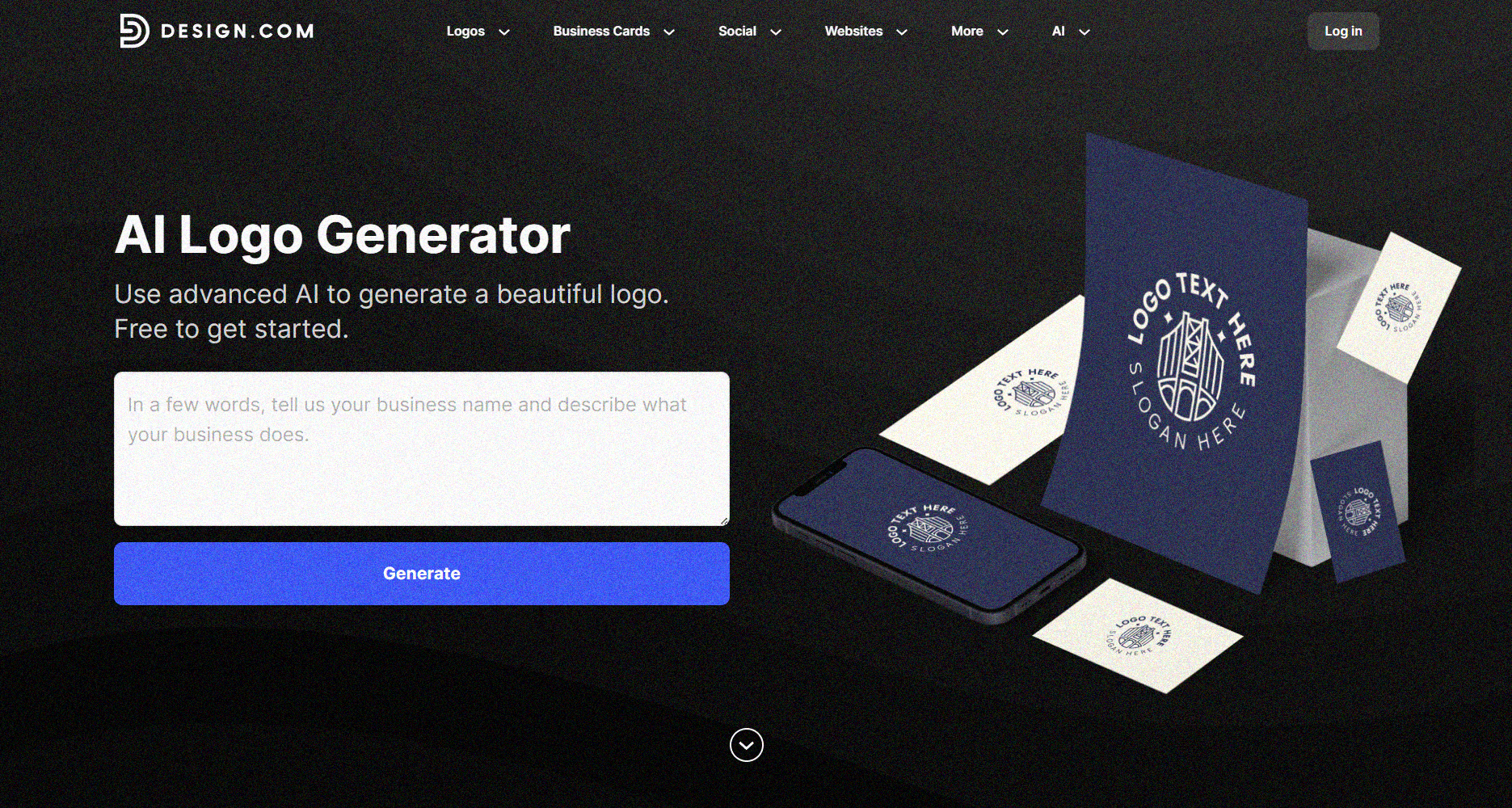
There are many tools out there that claim to use AI to generate logos.
Some tools simply combine stock icons with generic fonts. Meanwhile, some platforms generate uneditable raster images that are impossible to use.
But Design.com’s AI logo generator is smart and powerful. It allows users to instantly generate a logo based on a short description or prompt. The AI analyzes your prompt to automatically find your business name and infer your industry. If you don’t have a business name, Design.com’s AI business name generator can recommend one for you!
Based on your business name, industry, and related keywords (also generated by AI), you get designs instantly that are not only super relevant but also professional and beautiful. You can also further fine-tune the results by adjusting the visual elements to create a logo that truly fits your vision. It’s truly a fantastic option for users who need high-quality and on-brand designs without spending a lot of time or effort.
The AI Logo Generator Key Features are:
- Instant logo creation via a short prompt
- Logos generated from the world’s largest logo library (over 350K logos)
- Unlimited logo generation
- All logos are fully editable
- User-friendly interface
- Available in multiple high-resolution formats like PNG, JPG, SVG, PDF, GIF, and MP4
Additionally, all logos generated are commercially safe to use - meaning there’s no limit to how you can use your logo. You can also buy extended licences that allow customers to remove logo templates from the Design.com library.
How Is Design.com’s Quality and Performance?
Let’s take a closer look at how Design.com’s AI Logo Generator performs in real use.
From design quality to customization flexibility, here’s how it measures up across key areas:
1. Design Quality
Design.com delivers professional-grade results right out of the gate. The logos it generates look clean, well-balanced, and visually appealing, often on par with what you’d expect from a professional designer.
Thanks to its large library of 360,000+ templates and exclusive assets (like custom fonts and vector shapes), you’re unlikely to end up with something that feels generic or repetitive.
Here we generated a selection of logos for a neighborhood bistro called, “Bless Bistro”.
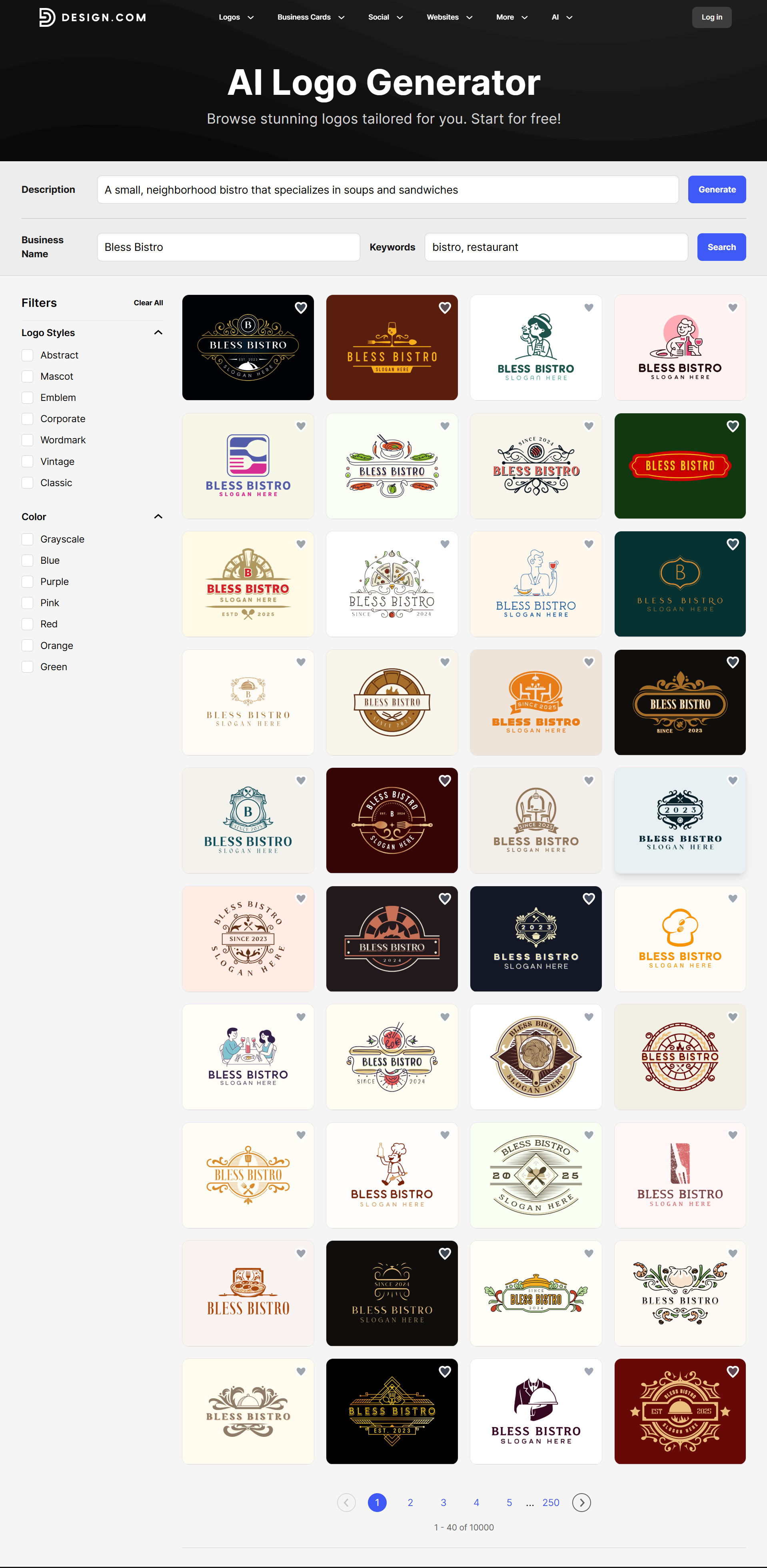
The collection nails classic bistro cues, such as:
- Crests, badges, seals, and emblems
- Script plus serif combinations
- Vintage frames, ribbons, and ornamental flourishes
- Food-forward icons (bowls, ladles, chefs, bread, herbs)
It generated a strong “bistro” visual language that instantly communicates warmth, comfort, and tradition. The set feels cohesive but not repetitive, showing a breadth of selection that includes vintage European vibes, minimalist bistro branding, playful illustrations, and heritage-style restaurant branding. Overall, this is exactly what a good AI-generated library should deliver.
2. AI Relevance
When tested with specific brand prompts, Design.com does a great job of interpreting the input. Since it analyzes your business description to identify keywords, tone, and industry context, the generated logos all fit your intended brand message.
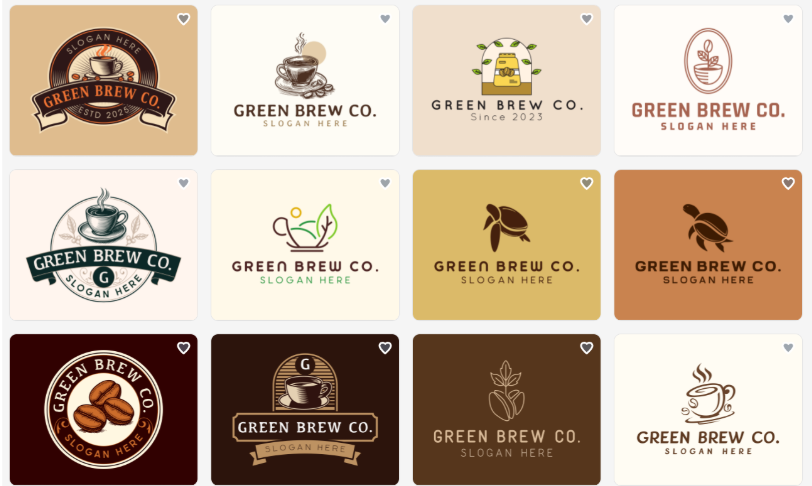
For example, typing “eco-friendly coffee brand” returns earthy tones, coffee-related illustrations, and nature-inspired icons that match the concept well.
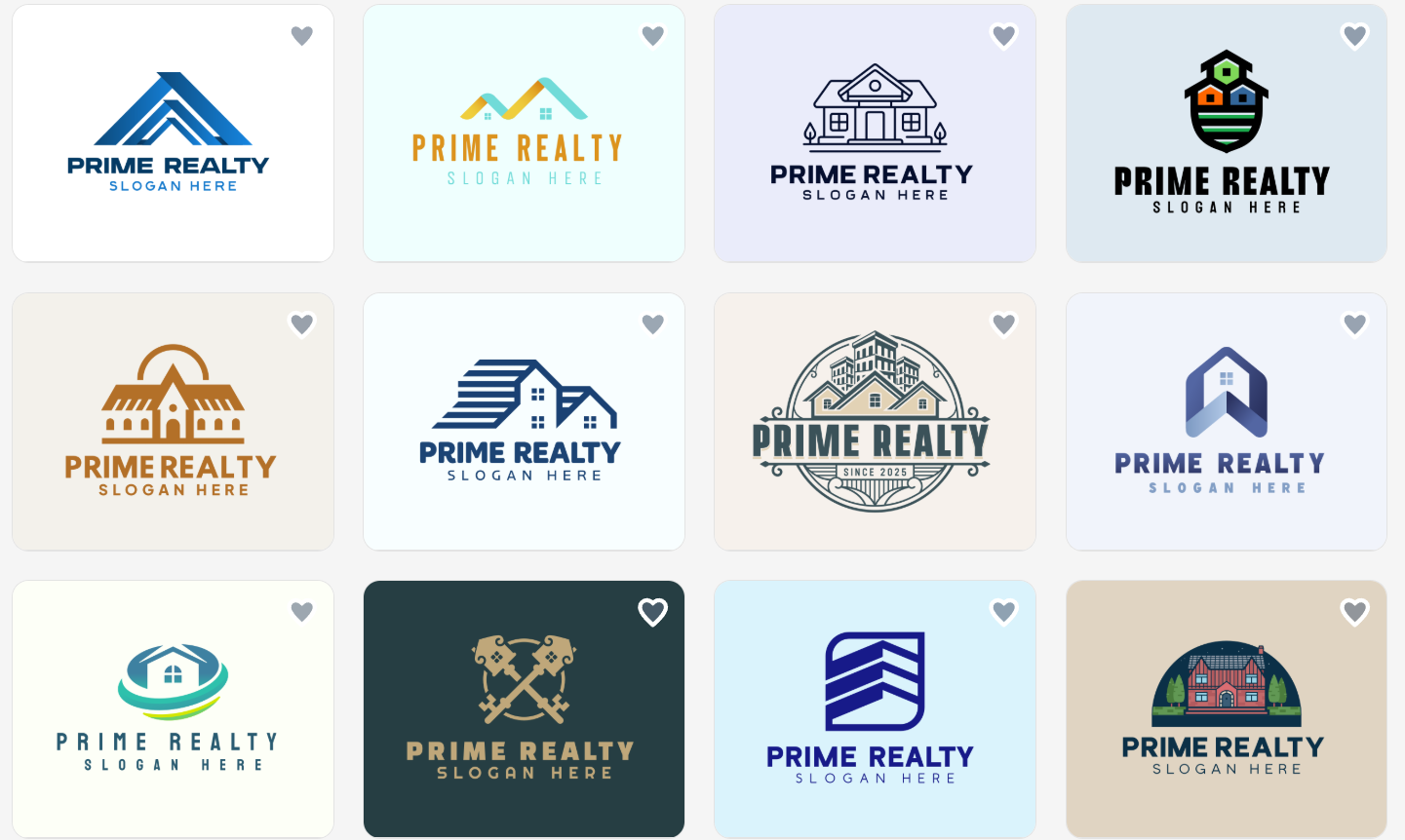
Meanwhile, searching for a logo for a “local real estate agency” yields logos in light blues, teals, and beiges that signify approachability and day-to-day reliability. As a local, community-based firm, these logos are perfect for first-time buyers, families, and local sellers.
3. Editing Control
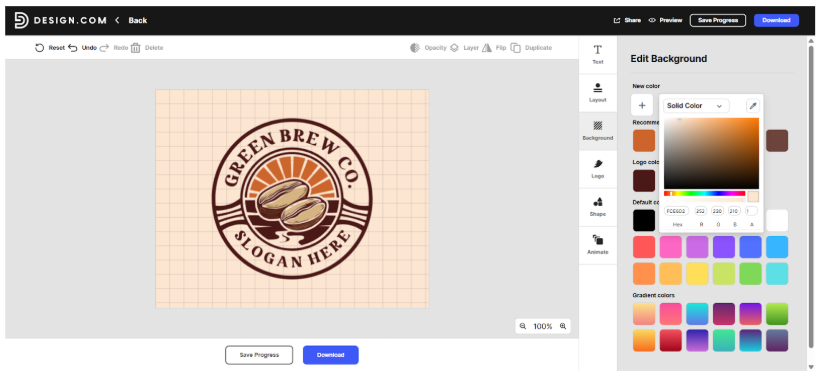
You have full control over customization in Design.com. You can tweak colors, fonts, icons, and even layouts using the intuitive drag-and-drop editor. The option to add animations and experiment with backgrounds gives you more creative freedom than most AI logo makers, making it ideal for both beginners and those with a strong design vision.
4. Output Quality

The platform provides high-resolution output in multiple formats, such as PNG, JPG, SVG, EPS, and PDF, to ensure your logo looks sharp and scalable whether used on a website, business card, or billboard. The color fidelity remains consistent across files, which is especially useful for maintaining brand integrity across different media.
5. Consistency

Design.com excels in helping you maintain a cohesive look across all touchpoints. Through its Brand Kit Creator, you can easily apply your logo style to websites, social media graphics, and print materials. The generated designs maintain visual harmony, which is perfect for small businesses aiming for a unified brand identity.
What Are the Benefits of Design.com’s AI Logo Generator?
Here’s a quick look at the key benefits that make Design.com a fantastic choice for logo creation:
- Speed and simplicity: Users can quickly generate professional-quality logos in minutes, which makes it ideal for first-time users or small businesses needing fast results.
- User interface and workflow: The intuitive drag-and-drop editor and automatic brand kit creator make designing smooth and efficient, even without prior experience.
- Accessibility: The platform is fully browser-based and mobile-friendly, so you can create and edit logos from any device without downloading software.
- Creativity and variety of AI outputs: The AI generates diverse logo styles from minimalist to 3D, which provides multiple unique design directions to explore.
- Onboarding and support experience: Their ultra-responsive customer support ensures a seamless start and quick help whenever needed.
What Are the Other Key Features of Design.com?
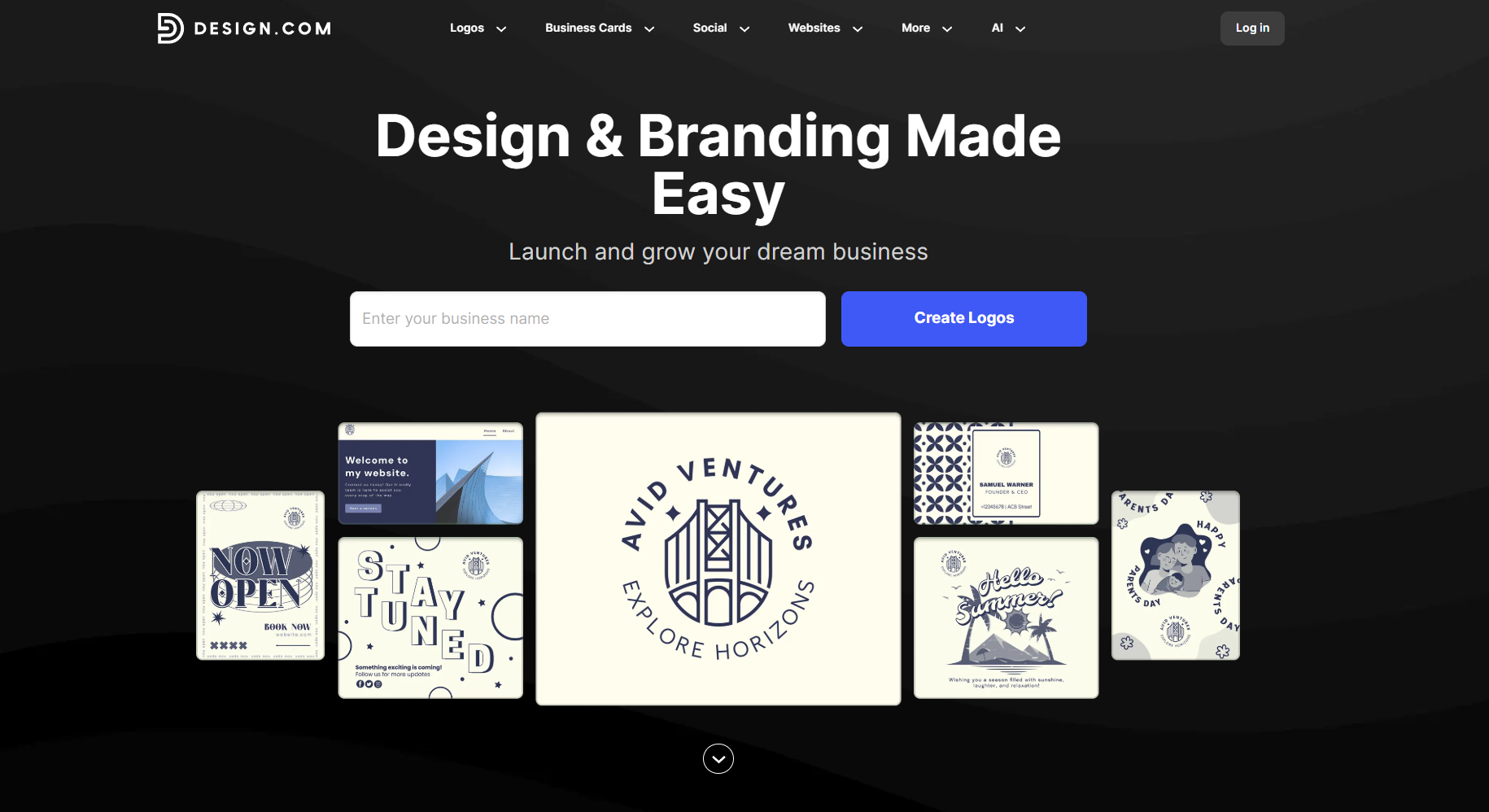
Beyond the AI logo generator, Design.com also offers a comprehensive suite of design tools that cater to various business needs.
Let’s break down their key features below:
- Extensive logo library: Design.com boasts the world’s largest library of over 350,000+ customizable logo templates. This means that no matter the style or industry, there’s a logo that will suit your needs. Whether you need a minimalist, modern, abstract, 3D, line art, or mascot logo, Design.com has you covered. The same applies whether you need logos suitable for cafes, construction companies, accounting, air conditioning, or everything in between. Design.com’s immense logo library is truly world-class!
- AI website builder: Users can get a complete website by generating website templates based on a short description and their business name. These templates can then be further customized as needed. They also offer a domain name generator to help you get everything you will ever need to start a website.
- Business card maker: Create professional business cards that complement your logo with thousands of customizable templates. The tool lets you design both single and double-sided cards with unlimited customization options.
- Social media design tools: Generate branded content for platforms like Instagram, Facebook, LinkedIn, and more. The platform offers templates optimized for posts, stories, and cover photos, all customizable with your brand colors and logo.
- Additional design assets: The platform also provides tools for creating flyers, posters, presentations, letterheads, email signatures, and QR codes–essentially everything you need for a complete brand identity.
- Brand kit creator: Users can get branded assets like business cards and websites that automatically match the style, color palette, and typography of their created logo. This ensures cohesiveness and consistency in your marketing materials.
All of these features are what make Design.com a great one-stop shop for entrepreneurs and small businesses who are looking to build their brand identity.
Pricing Structure of Design.com
How much does it cost to use Design.com? Here’s the breakdown:
|
Plan
|
Monthly
|
Annual
|
What’s Included
|
|
Free
|
$0/month
|
$0/month
|
Design.com is free to use and access. There are also free logos available, as well as other design templates ready for use.
|
|
Starter
|
$15/month
|
$5/month
|
Logo Pack only
|
|
Value
|
$24/month
|
$6/month
|
Logo Pack + Website
|
|
Premium
|
$29/month
|
$7/month
|
Logo Pack + Website + More features
|
Design.com can be accessed and used for free. So you can browse designs, customize logos, use the AI logo generator, create Instagram Reels, and so on.
However, the premium templates require a subscription to download them. Still, at around $5 per month (paid annually) for premium features, Design.com is considerably cheaper than hiring a professional designer or subscribing to other design software.
Here is what is included in all plans:
- Your logo is yours forever
- Cancel anytime
- High-res and vector logo files
- Unlimited changes to your logo
- Business cards
- Instagram and Facebook posts
- Email signature templates
- Letterheads
- 50+ other design tools
- 564,000+ templates
Then these are the additional features included in the Premium Plan:
- Website builder
- Link in bio tool
- Digital business card
Which plan is right for you? If you just need a logo, the Starter plan is a great choice. But if you want a full identity package (logo + website + digital business card + social assets), the Premium tier is sensible.
How does it compare to other tools? When comparing pricing, Design.com stands out by offering full branding packages (logo, vector files, social templates, website) with subscriptions starting as low as $5–7/month (when billed annually).
Meanwhile, competitors like Canva, Looka, and Tailor Brands either offer lower-price logo-only plans or higher-tier branding suites only. This means Design.com often delivers more brand asset value per dollar for small businesses seeking a comprehensive branding toolkit.
Pros of Using Design.com
What makes Design.com stand out from other logo makers?
- World’s largest library of templates: The platform boasts over 350,000 professionally designed templates, suitable for nearly any business or niche imaginable.
- Exclusive designs: Design.com has over 500 exclusive fonts and 62,000+ custom vector shapes that can only be found on the platform. This means all designs you make here are sure to be original and unique.
- Speed and Efficiency: Design.com significantly reduces design time. What might take days or weeks with a traditional designer can be accomplished in minutes.
- User-friendly interface: The platform is designed for non-designers. You don't need to have a background or skills in editing software or any other technical specifications.
- All-in-one solution: Instead of juggling multiple tools or subscriptions for logos, social media graphics, business cards, and websites, you get everything in one place. This simplifies your workflow and ensures brand consistency across all materials.
- Professional quality: Despite the DIY nature, the designs look professional. The templates are created by experienced designers, not just pulled from generic stock libraries.
- Flexibility: You can create as many designs as you want, save multiple versions, and come back to edit them anytime. There's no limit to experimentation!
- Great customer support: Many users report responsive customer service that helps troubleshoot issues and answer questions promptly.
Cons of Using Design.com
- Web-based only: Design.com is only available via web as there is no native app yet. Still, the web experience is smooth and easy so it’s not a big issue
- Less technical integration: As Design.com is created with non-designers in mind, doesn’t have a lot of technical integrations nor is it developer-oriented. It’s much more suitable for users who don’t want to deal with any technical complexity.
Final Verdict
Design.com delivers on its promise to make professional design accessible to everyone.
For busy entrepreneurs and small business owners who don't have the time, budget, or inclination to learn professional design software or hire expensive agencies, this platform is a tool we can highly recommend.
Their professionally crafted templates and smart AI logo generator, combined with their intuitive editor, mean you can create beautiful, cohesive, and high-quality designs in a fraction of the time and cost of traditional methods. Whether you need a company logo or an AI poster maker for your event, it’s a tool that is definitely worth exploring. Definitely worthy of a 10/10 score!
Need more help in making a great logo? Check out our articles like 7 Tips to Keep in Mind While Designing a Brand Logo or 5 Standard Logo Types: What's the Difference?
Written by DesignCrowd on Tuesday, January 6, 2026
DesignCrowd is an online marketplace providing logo, website, print and graphic design services by providing access to freelance graphic designers and design studios around the world.
