Flyers remain one of the most effective ways to promote a business, event, or special offer. In a world filled with digital ads and crowded social feeds, a well-designed flyer still captures attention in a direct, tangible way. From announcing a grand opening and advertising a weekend sale to promoting a concert or inviting people to a community event, flyers deliver your message where people are most likely to notice it.
Designing one doesn't have to be complicated. Modern flyer generators make it easy to create polished, professional flyers in minutes. At the same time, many also include tools for logo design, business cards, social media graphics, and presentations to support consistent branding.
Every platform takes a different approach. Some emphasize professionally designed templates, others focus on editing flexibility, integrated printing, or AI-assisted design. To find the best options, we tested six of the most popular flyer generators.
Quick verdict
- Design.com is our top pick for creating professional flyers quickly. Its AI-assisted design tools, professionally designed templates, and complete branding features make it easy to produce polished, on-brand flyers with minimal effort.
- BrandCrowd earns our second-place recommendation with its extensive collection of professionally designed templates and intuitive customization tools.
How we chose each tool
We evaluated each flyer generator based on the factors that matter most when creating professional marketing materials. Rather than comparing feature lists alone, we looked at how well each platform serves its intended audience and where it provides the greatest value.
- Platform type: Whether the tool is designed around AI generation, professionally designed templates, advanced editing, photo editing, or integrated printing.
- Key strength: The feature or capability that best distinguishes each platform, such as branded flyer creation, template quality, editing control, or print services.
- Pricing: The value offered across free and paid plans, including what users get at each pricing tier.
- Best for: The type of user or project the platform is most suitable for, whether that's entrepreneurs, small businesses, creative teams, or users ordering professionally printed flyers.
Best flyer generators at a glance
|
Tool
|
Type
|
Key Strength
|
Pricing
|
Best For
|
|
Design.com
|
AI design platform
|
Cohesive, on-brand flyers
|
Freemium, Starter: $3/month billed annually, $9/month billed monthly
|
Businesses wanting branded flyers fast
|
|
BrandCrowd
|
Template marketplace
|
Stylish, polished flyer designs
|
Freemium, $3/month billed annually (72% savings), $9/month billed monthly
|
Entrepreneurs wanting visual polish
|
|
Canva
|
General design platform
|
Broad, all-purpose template library
|
Free plan available, Paid starts at $18
|
Teams already using Canva
|
|
Adobe Express
|
Advanced editor
|
More granular editing control
|
Free plan available, Paid starts at $9.99
|
Users wanting finer editing control
|
|
Pixlr
|
Photo editor
|
Browser-based photo editing
|
Free plan available, Paid starts at $8
|
Editing photos and flyers together
|
|
Vistaprint
|
Print service
|
Print focused flyer ordering
|
Free design tool, print pricing varies by order
|
Ordering physical printed flyers
|
Best flyer generators of 2026
1. Design.com – Best overall flyer generator for branded, on-brand flyers
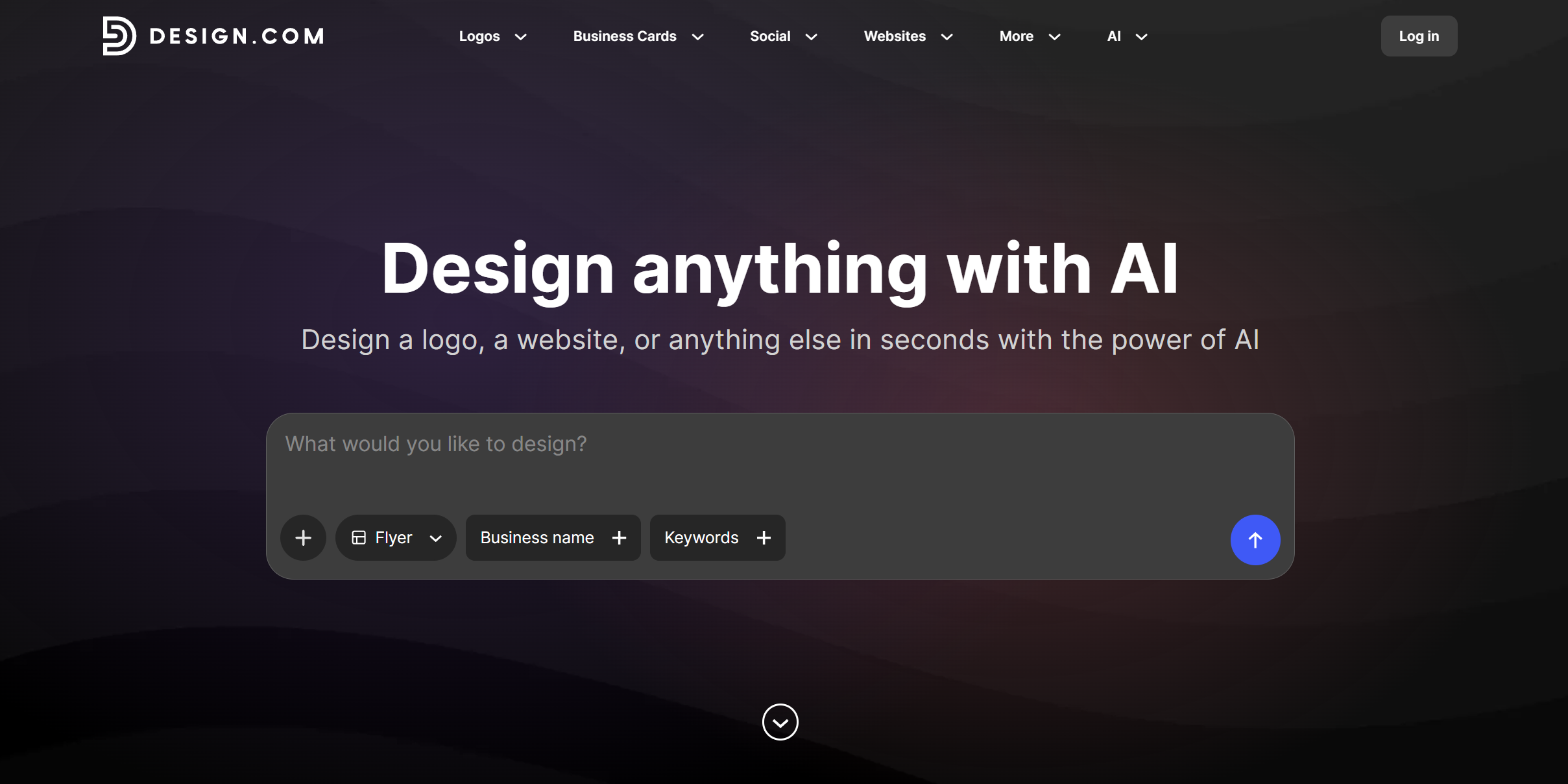
Design.com is our top pick because it makes flyer creation straightforward without sacrificing quality. Enter your business name and a few keywords, and the platform generates designs that match your industry and the type of promotion you're creating. Those results are backed by a design library of more than 1 million templates, including over 500,000 professionally designed logo templates, making it easy to create marketing materials that stay visually consistent across your brand.
After selecting a design, you can refine it in the editor, download it for digital use, or prepare it for professional printing. The platform also integrates with its broader suite of branding tools, allowing you to create matching logos, websites, posters, and other design templates from the same place.
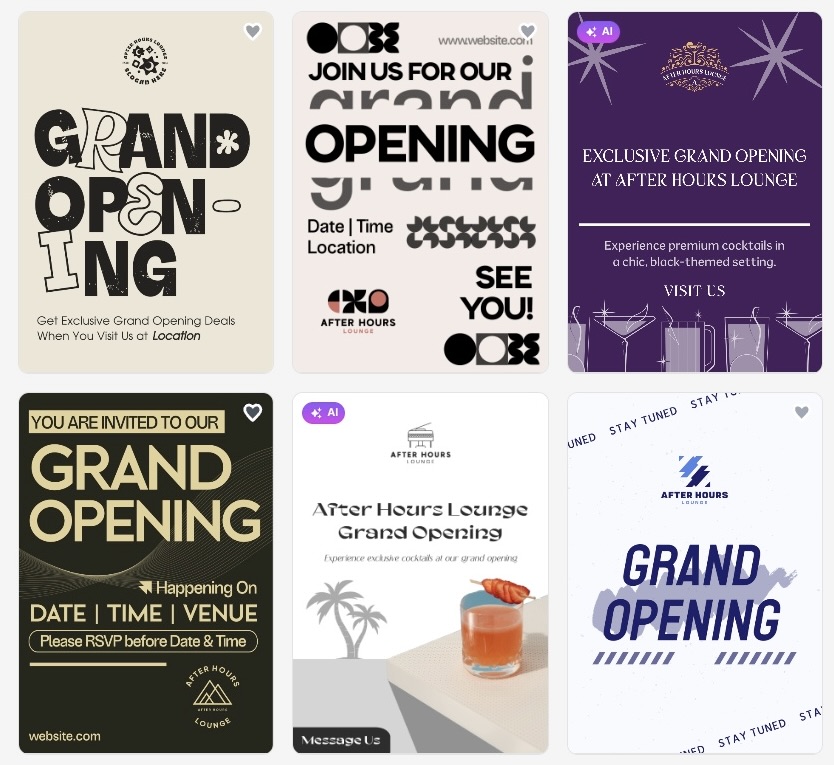
To evaluate Design.com, we created a flyer for After Hours Lounge using the keywords "grand opening, nightlife, cocktails." The platform generated multiple flyer concepts almost instantly, producing polished layouts that matched the event.
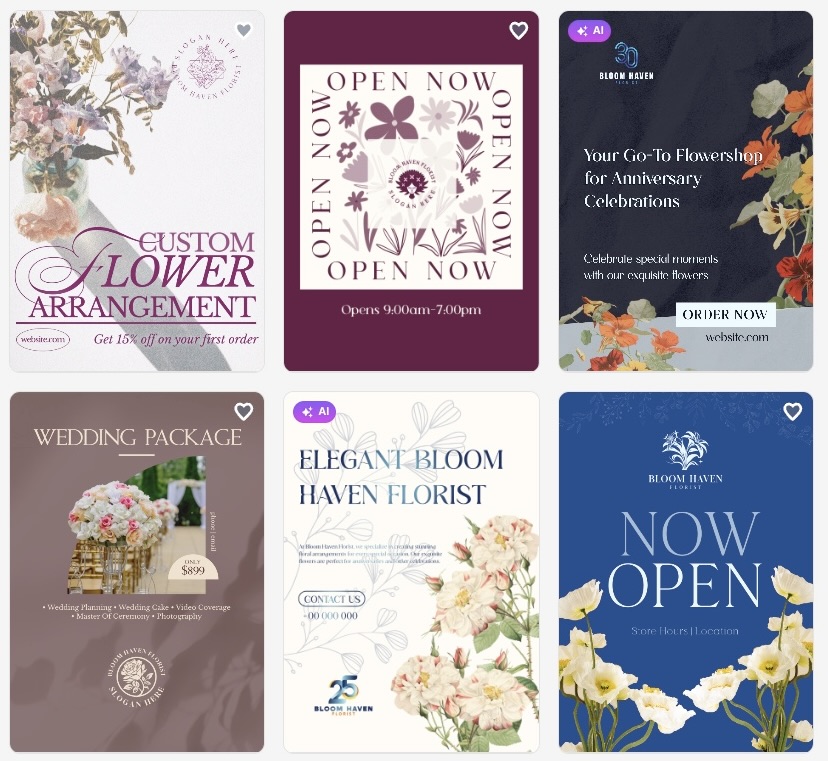
To test its consistency, we repeated the process with Bloom Haven Florist using the keywords "opening, flowers, bouquets." The platform adapted the design to suit the new industry, generating flyers with an entirely different visual style while maintaining the same quality.
Why it's #1
- Generates flyer concepts from your business name and keywords in seconds.
- Includes thousands of professionally designed flyer templates across a wide range of industries.
- Offers a drag-and-drop editor with fonts, layouts, gradients, curved text, drop shadows, outlines, and more than 62,000 custom vector shapes.
- Exports high-resolution PNG and JPG files alongside print-ready PDF, EPS, and SVG formats.
- Lets you order professionally printed flyers with multiple paper finishes and free worldwide shipping.
- Includes a worldwide, royalty-free commercial license with every design.
- Stores every project in your account for future editing and reuse.
Best use cases
- Small businesses creating branded marketing materials.
- Event organizers promoting launches, sales, or community events.
- Anyone who wants professional, print-ready flyers without hiring a designer.
Verdict
Design.com delivers the strongest combination of AI-assisted design, professionally designed templates, flexible editing, and integrated branding tools, making it our top flyer generator for 2026.
2. BrandCrowd – Best for beautiful, stylish flyers
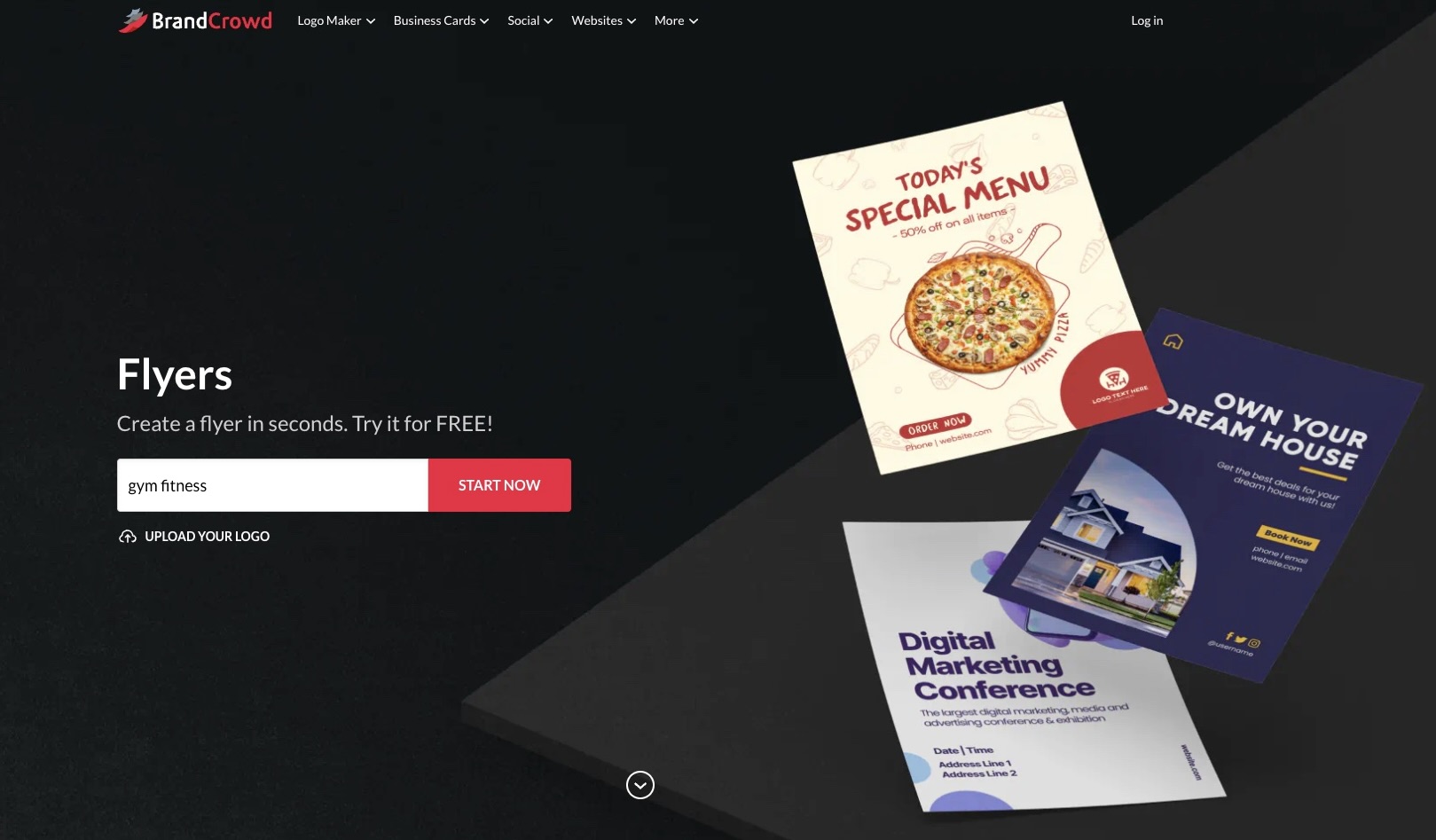
Where Design.com focuses on brand cohesion, BrandCrowd's flyer maker is all about visual impact.
With a 4.8-star Trustpilot rating from more than 9,000 reviews, BrandCrowd focuses on creating stylish, professionally designed flyers with an emphasis on visual appeal. It is a good option for users who already know what they want to communicate and are looking for a polished starting point.
The library spans thousands of flyer templates, customized with your logo colors to match your brand, with several layouts and color variations to choose from. Every flyer comes from a professional designer, so the polish is there from the first draft.
Once you have picked a design, editing is unlimited, and you can export high-res files along with vector files (SVG, EPS, PDF) ready for sharing or printing. BrandCrowd also extends the same branding to social posts, letterheads, and email signatures, so your flyer does not stand alone.
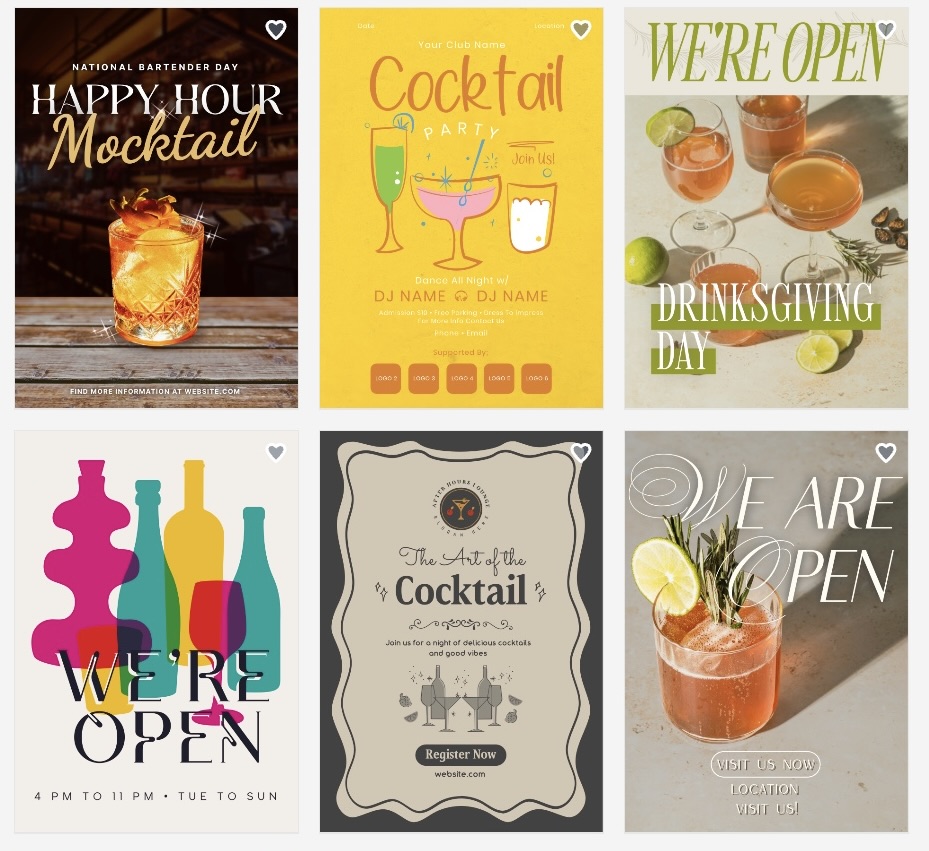
When testing BrandCrowd, we followed the same bar concept to keep the comparison consistent. The generated flyer accurately reflected the event, with a balanced layout, bold typography, and polished visuals that were ready for printing with only minor customization.
Why it's #2
- A library of more than 400,000 logo templates backed by over 1 million design templates
- Every flyer designed by a professional designer
- High-res and vector file exports for both digital and print use
- Unlimited customization of layout, colors, and fonts
- Matching social media and brand identity templates
- Worldwide, royalty-free commercial license included
- 24/7 support from a team of design experts.
Best use case
- Entrepreneurs presenting flyers to clients or stakeholders
- Businesses that want a flyer with a strong visual polish
- Anyone who wants their flyer to feel custom-designed, not templated
Verdict: BrandCrowd is a strong choice if your priority is style and visual polish.
3. Canva - General Purpose Design Platform
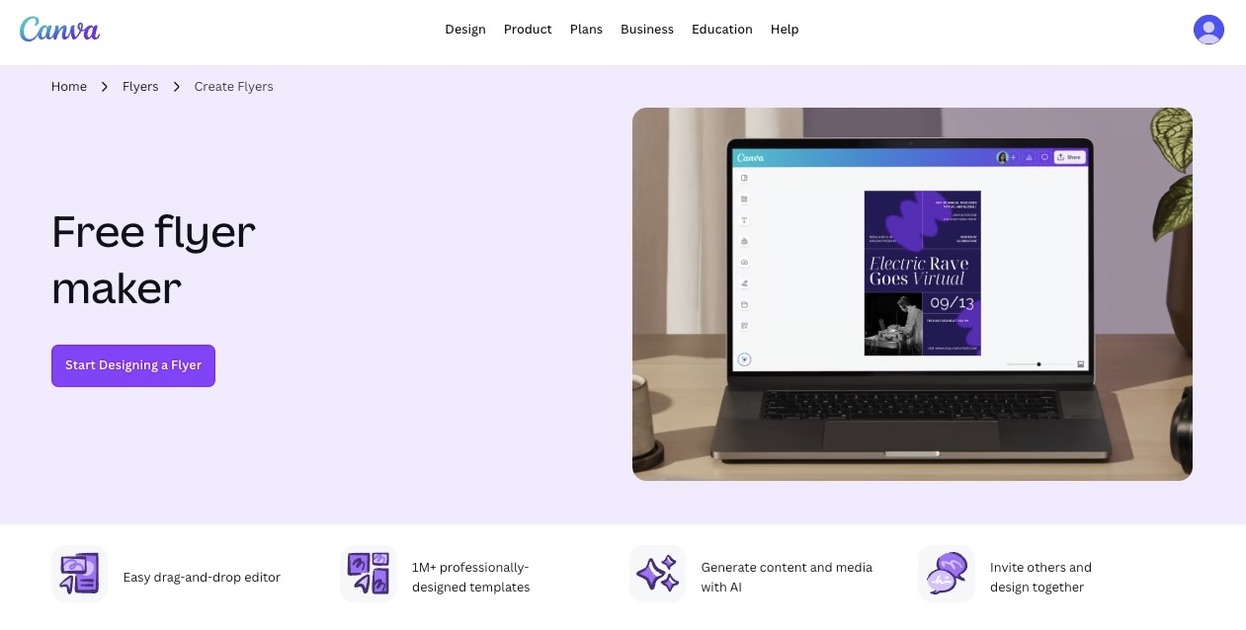
Canva includes flyer templates as part of a much larger template library that also covers social media graphics, presentations, documents, and other marketing materials, all within the same account. Rather than serving as a dedicated flyer maker, it offers a general-purpose design platform where flyers are one of many available formats. Its collaboration features are useful for teams making edits and reviewing designs together.
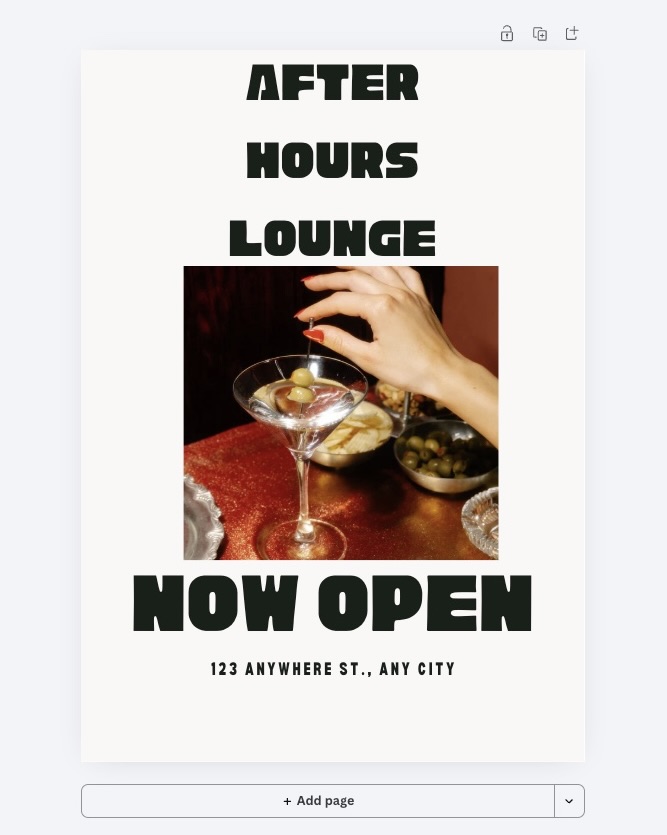
For our test, we also created a flyer for After Hours Lounge using one of Canva's templates. The platform generated a flyer that was easy to modify by replacing the text, images, and colors. Compared with the top two tools in our ranking, the initial design was more basic and required additional customization to achieve a more distinctive look. See how the flyer turned out below:
Why it works
- Flyer templates sit inside a broader library covering social posts, presentations, and documents
- Drag and drop editor with layers, grouping, and alignment tools
- Real-time collaboration, comments, and approvals for teams working on the same flyer
- Direct printing available through Canva's own print partner network.
Best use case
- Teams already using Canva for other design work who want to add flyers into the same workflow
- Users who need multiple people to collaborate on one flyer before it is finalized.
Verdict
Canva is best suited to users who already rely on its broader design platform and want flyer creation as part of the same workflow.
4. Adobe Express – Flyer maker with Adobe's editing tools
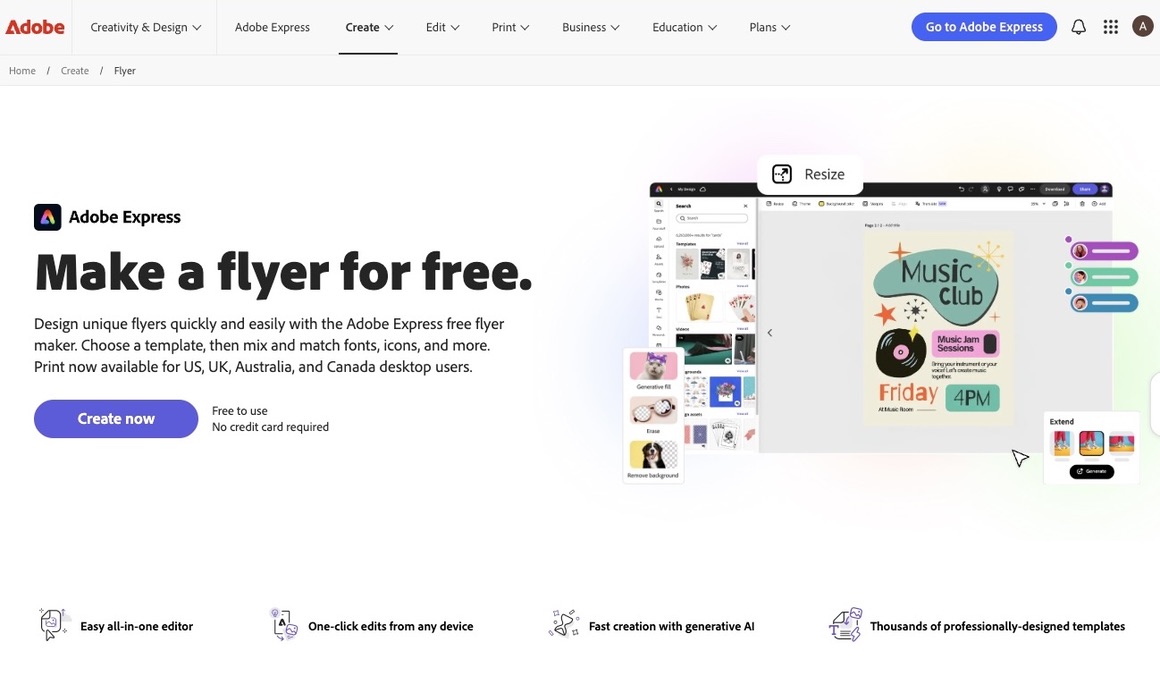
Adobe Express pairs flyer templates with more detailed editing controls than a typical drag-and-drop tool, giving users finer control over the design without needing to open Photoshop or Illustrator.
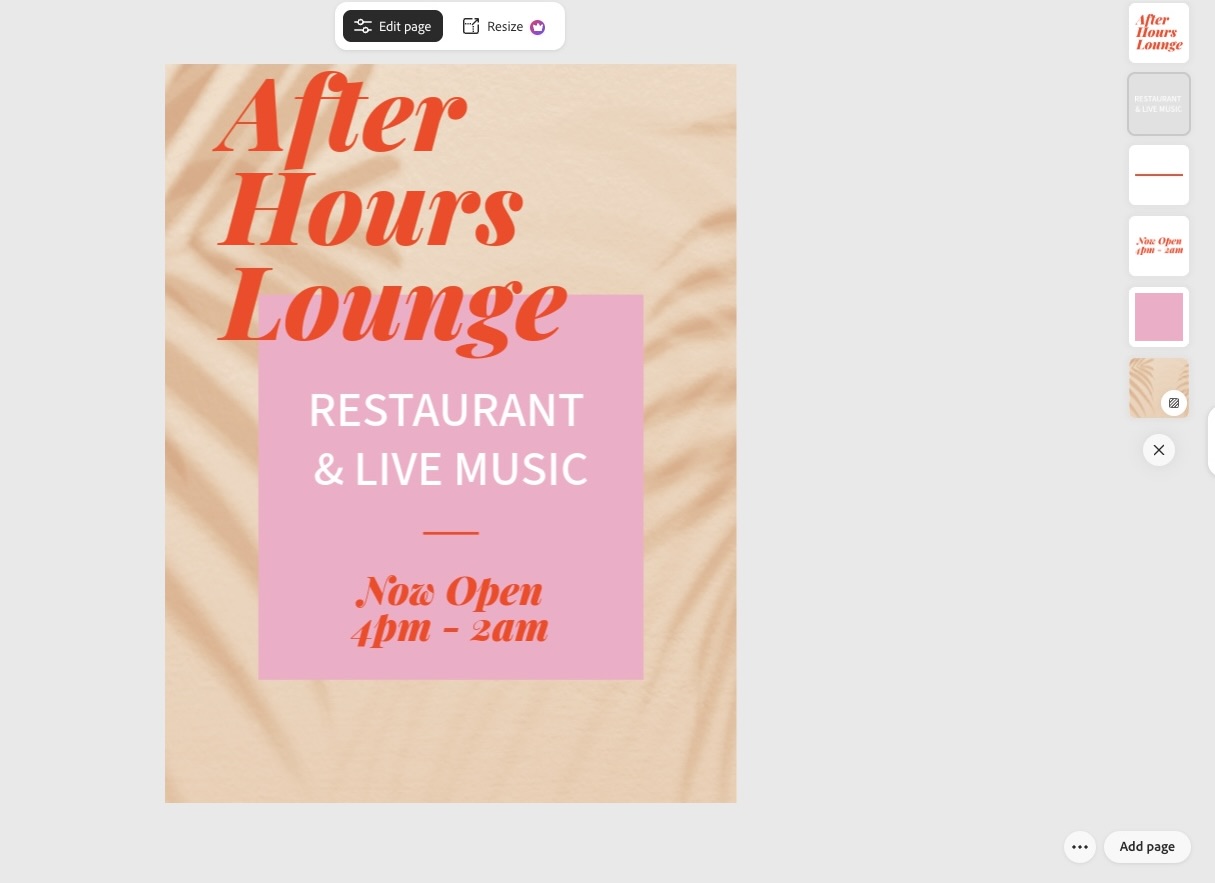
We also tested Adobe Express’s capability with the same concept. The generated design was clean and modern, and the editor made it easy to refine the typography, colors, images, and layout.
Why it works
- Finer editing controls, like shadow angle, gradient direction, and text curve
- AI features such as generative fill and background removal
- Part of the Adobe ecosystem, so files can move into other Adobe apps later
- Standard export formats for both digital sharing and print
Best use case
- Users who want more granular editing control over their flyer layout
- Anyone who may want to move a flyer into other Adobe tools later for further editing.
Verdict: Adobe Express is a good fit for users who want more editing control than most online flyer makers provide, particularly those already working within the Adobe ecosystem.
5. Pixlr - Best for browser-based design and photo editing
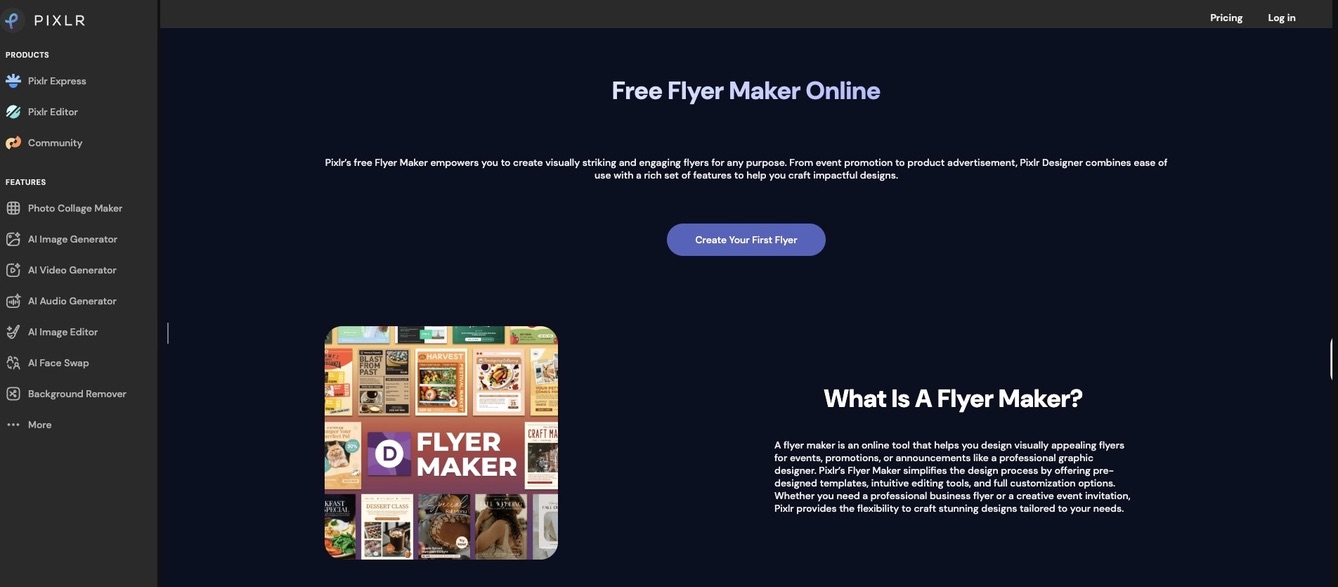
Pixlr combines flyer templates with browser-based photo editing tools, closer to a lightweight photo editor than a dedicated flyer builder. The tool works well for flyers where a photo carries the design rather than a template layout.
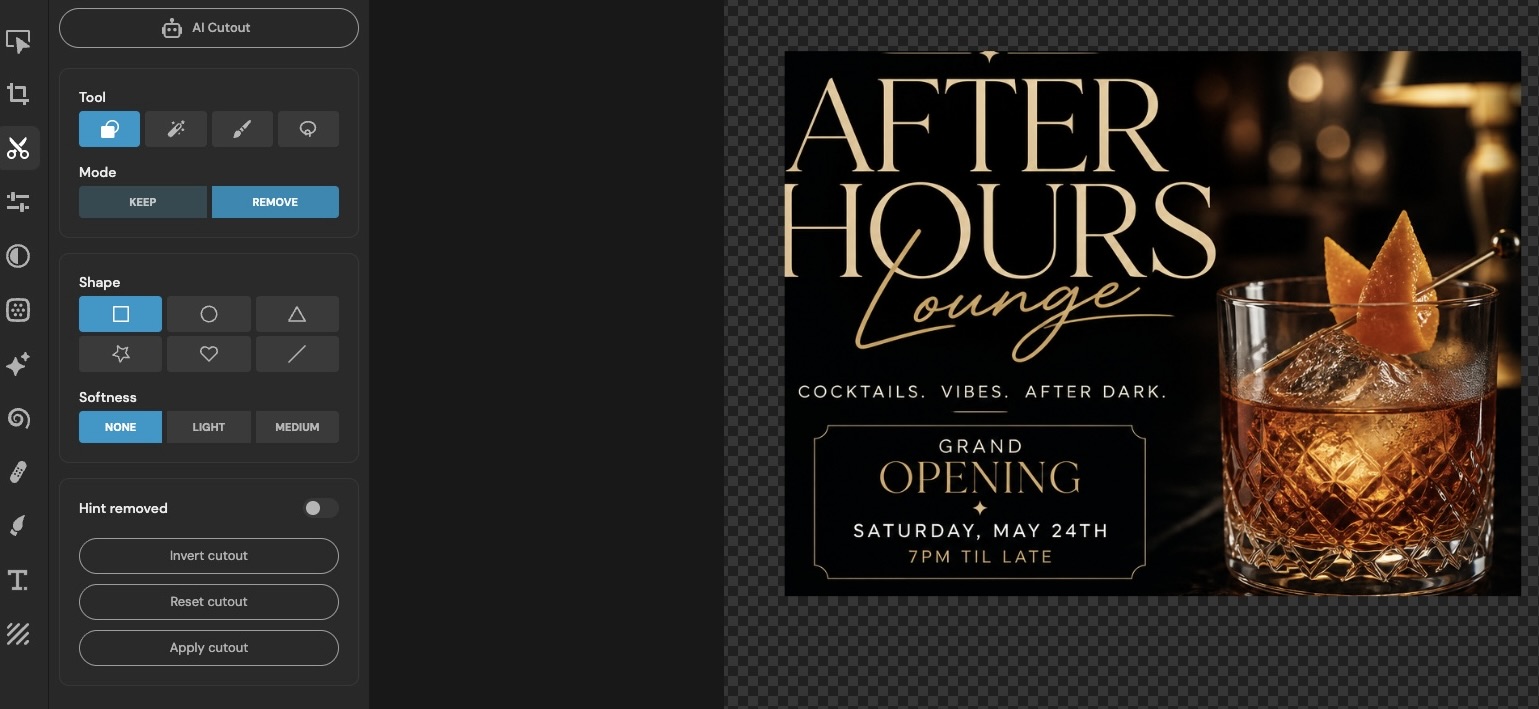
During our testing, Pixlr worked best for refining rather than creating. Once the initial flyer layout was in place, it provided the editing features needed to improve graphics, adjust text, and enhance the overall presentation. The interface is less intuitive than the other tools on this list, so completing even simple edits can take longer.
Here's the finished flyer:
Why it works
- Layer support, retouching tools, filters, and batch processing are built in
- No downloads required, runs entirely in the browser
- Well-suited to photo-driven flyers like product shots or event photos
- Exports in common formats like PNG and JPG
Best use case
- Users who need photo editing and flyer design in one browser tool
- Flyers where a photo is the main visual element rather than a template layout.
Verdict: Pixlr is better suited to image-focused flyers than template-driven designs.
6. VistaPrint – Print-focused flyer ordering
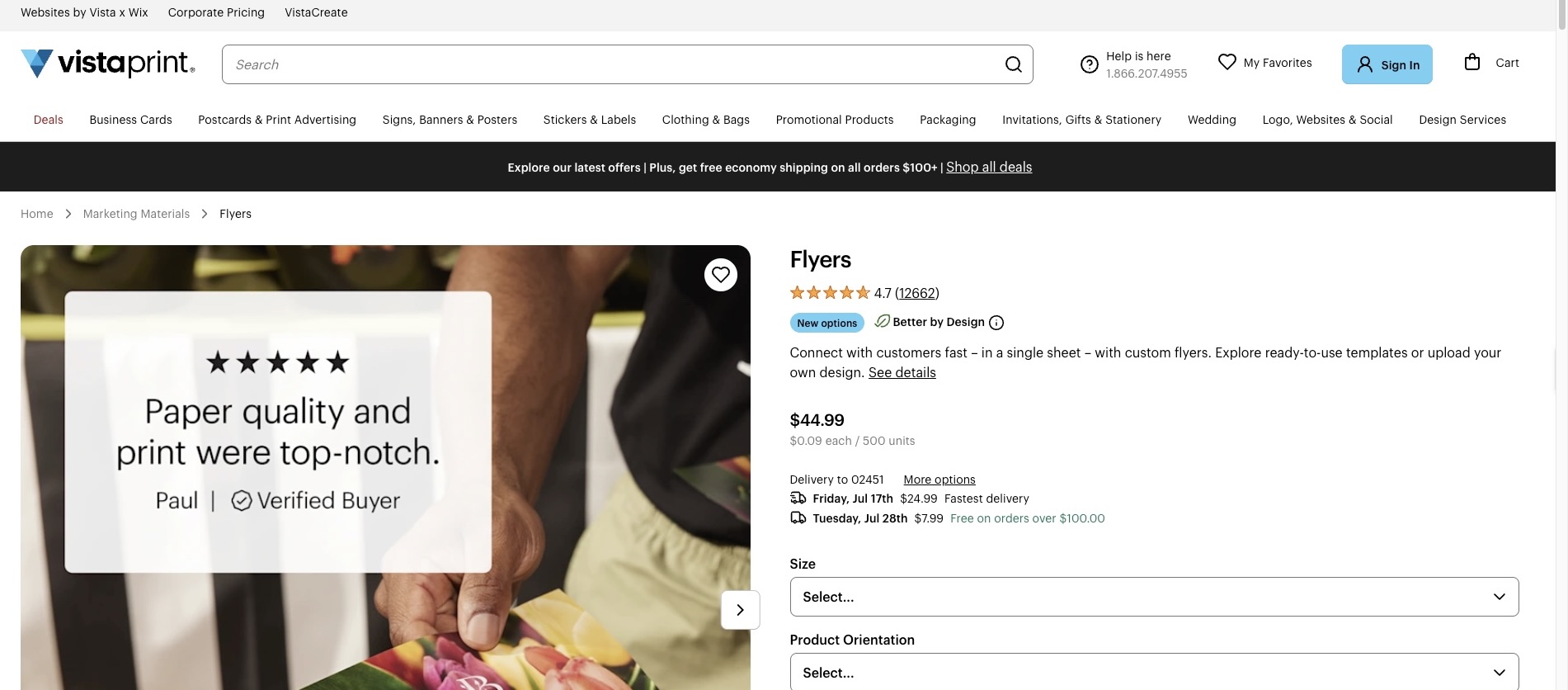
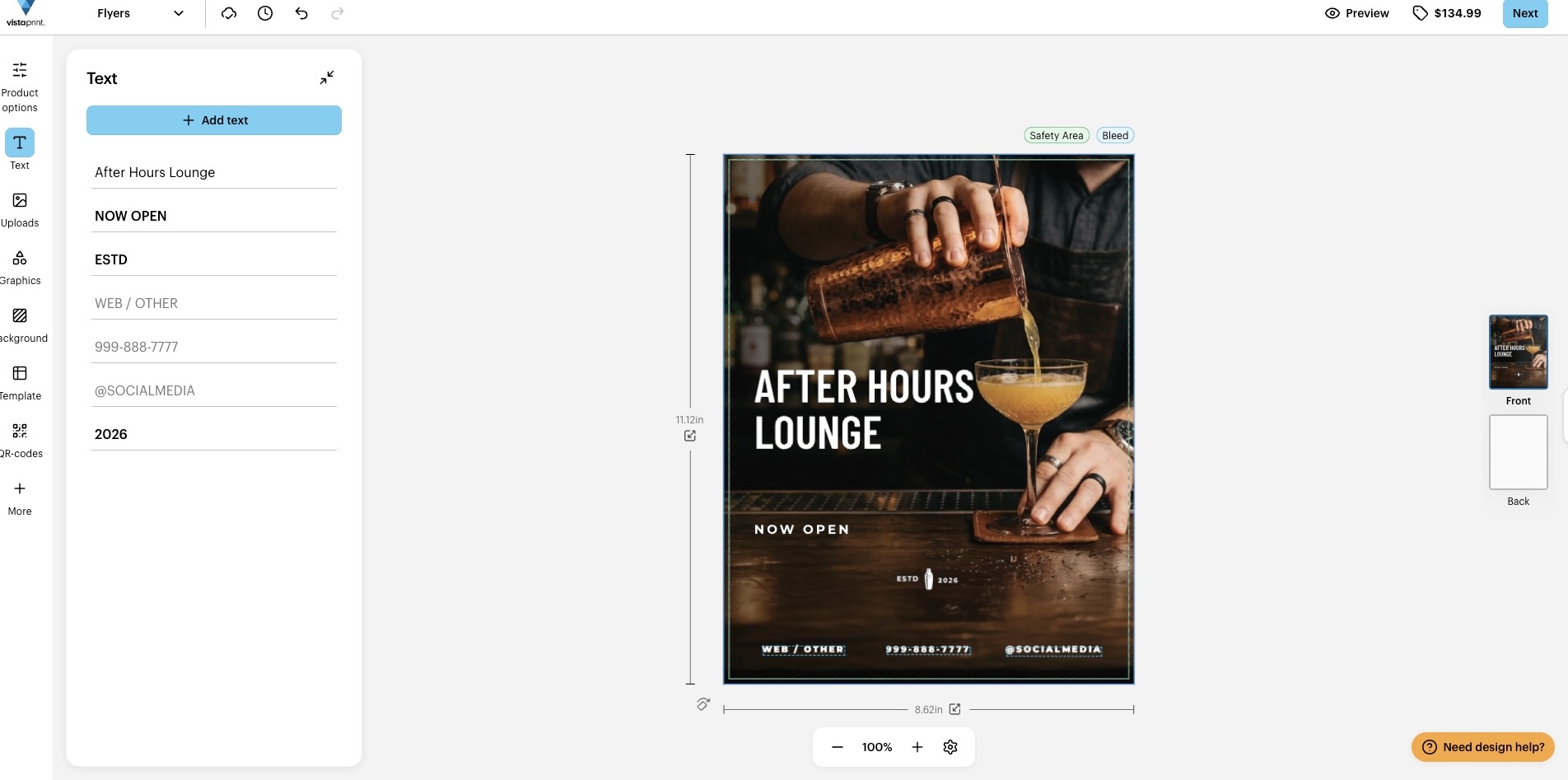
VistaPrint's flyer design tool is built around its printing and shipping service, so the design process flows directly into placing a print order rather than functioning as a standalone design platform.
The editor provides the core customization tools needed to modify text, images, colors, and layouts before sending the design to print. Compared with dedicated design platforms, the creative controls are more limited, but the workflow remains straightforward for users whose primary objective is producing printed marketing materials.
We were able to create a print-ready flyer with a few adjustments before proceeding to the printing stage. Here's the result:
Why it works
- Wide range of paper types and finishes for physical printing
- Bulk pricing for larger print orders
- Design step flows directly into checkout and delivery
- Established print supplier for businesses that reorder regularly.
Verdict: VistaPrint is primarily intended for businesses ordering printed flyers. Its design tools are straightforward, with the main focus on print production and delivery.
Best use case
- Anyone whose main priority is ordering printed flyers rather than downloading digital files
- Businesses that print flyers regularly and want an established print supplier.
Final Thoughts
Designing a flyer with AI is no longer reserved for people with a big budget or a design background. Flyer generators have made it faster than ever to put together a professional-looking flyer. The tools are accessible, the process is fast, and the results can look just as polished as anything a professional studio would produce, as long as you stay involved in shaping the final result.
Picking the right tool still matters, though, if you want a flyer that is actually ready to use, not one you will spend hours fixing. While each platform serves a different need, Design.com stands out as the top choice overall. Its combination of branding, design quality, speed, and a built-in print and ship service makes it the most versatile option for creating a flyer that is ready to use the moment it is done/
Looking for more branding resources? Check out these related reads:
Anne Joyce Raymundo is an SEO Content Writer with years of experience creating compelling content for businesses of all sizes. She creates thoughtful, research-backed articles that turn complex topics into clear, actionable reads.
Written by DesignCrowd on Monday, July 20, 2026
DesignCrowd is an online marketplace providing logo, website, print and graphic design services by providing access to freelance graphic designers and design studios around the world.
